Bluey's Happy Snaps Buddy Mode: Two-Player Co-Op Guide
Explore Bluey's Happy Snaps buddy mode with tips to local co-op, camera roles, toys, and scrapbook fun. Plan a playful adventure for two players at home.
Jump to
How Does Bluey's Happy Snaps Buddy Mode Work?
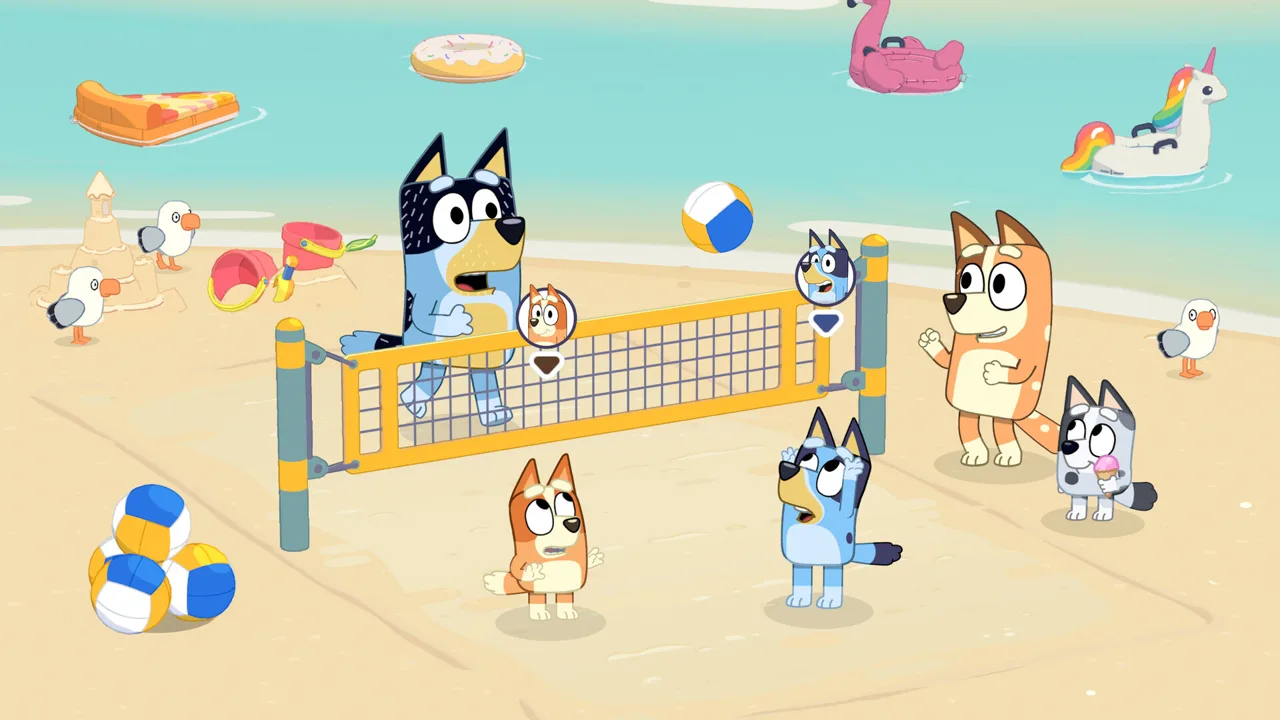
Grab a buddy: Bluey's Happy Snaps buddy mode lets two players share a local adventure, with one controlling the camera while the other explores, poses, and plays. That division gives both players something to do as they turn a trip through Bluey's neighborhood into scrapbook memories. Bluey's Happy Snaps buddy mode brings a friend, sibling, or grown-up into the adventure alongside the main player.
The setup follows the game's central idea: Bluey and Bingo find Dad's old camera and take it along as they explore familiar places. Photography, toys, wildlife, and playful discoveries all feed into the adventure.
Your roles are different, so decide who wants to frame the pictures and who wants to get into them.
| Player | Role in buddy mode | Activities |
|---|---|---|
| Player one | Leads the adventure behind the camera | Controls the camera and takes pictures |
| Player two | Joins the adventure on the scene | Explores, strikes poses, runs around, and plays with toys |
| Both players | Share local play as Bluey and Bingo | Enjoy toys together and create photo opportunities |
Buddy mode supports two players locally, and the game has no online play. Plan to play together in the same room.
You can also play solo. Bring someone along when you want to make the photography part collaborative: one player creates a moment, and the other decides how to capture it. A silly pose or a shared toy can give your next scrapbook picture a story.
Official page: Bluey's Happy Snaps (blueyshappysnapsgame.com)
Make the Camera and Buddy Roles Work Together
Bluey's Happy Snaps buddy mode gives the photographer and the exploring player different ways to shape a scene. Talk through what you want to photograph, then leave room for the unexpected.
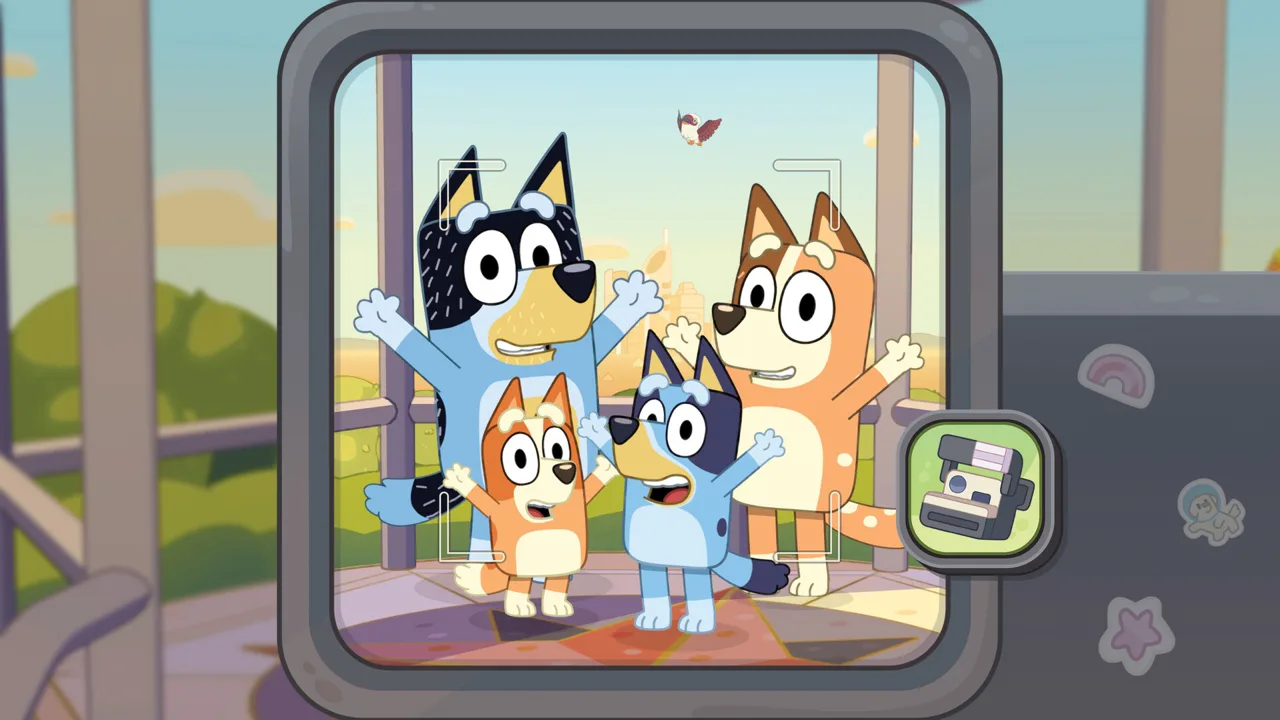 Image: Steam / Gameloft
Give the photographer a subject
Choose something specific before taking a picture: a friend, an animal, a toy, or a recognizable place. With so much to explore, a small goal gives the camera player a clear starting point.
Try these photo ideas:
- Ask your buddy to strike a pose at a familiar location.
- Photograph a toy during play.
- Look for Australian wildlife as you explore.
- Capture a friend you recognize from the show.
- Include the surrounding scenery in a location picture.
Keep those ideas flexible. If your buddy gets distracted by a toy, photograph that moment and continue exploring. The game's open-ended activities give you plenty to work with.
Give the buddy room to play
Player two can move around, explore, pose, and interact with toys. Use those activities to contribute to the picture.
Pick up on each other's ideas. Ask the photographer what they want in the frame, or suggest a scene yourself. “Let's take a picture with this toy” gives both players a shared task without turning the session into a checklist.
Toys also offer something to enjoy together. Spend time playing with them before moving on to the next photo opportunity.
Let each player choose the next idea
Alternate creative decisions during your session. Let one player choose the subject, then let the other suggest the next activity or place to photograph.
For a child and grown-up pairing, ask simple questions: “What should we photograph?” or “Who do you want in this picture?” Those prompts leave the child in charge of the idea while giving the other player a way to join in.
Choose camera duties around what each person wants to do. If both players enjoy photography, plan separate sessions with each person taking the lead.
Explore Familiar Places With a Shared Photo Goal
Bluey's Happy Snaps buddy mode takes place within an adventure through Bluey's home and recognizable locations around Brisbane. Start by looking closely at the surroundings: rooms, toys, familiar faces, and wildlife all provide subjects for your camera.
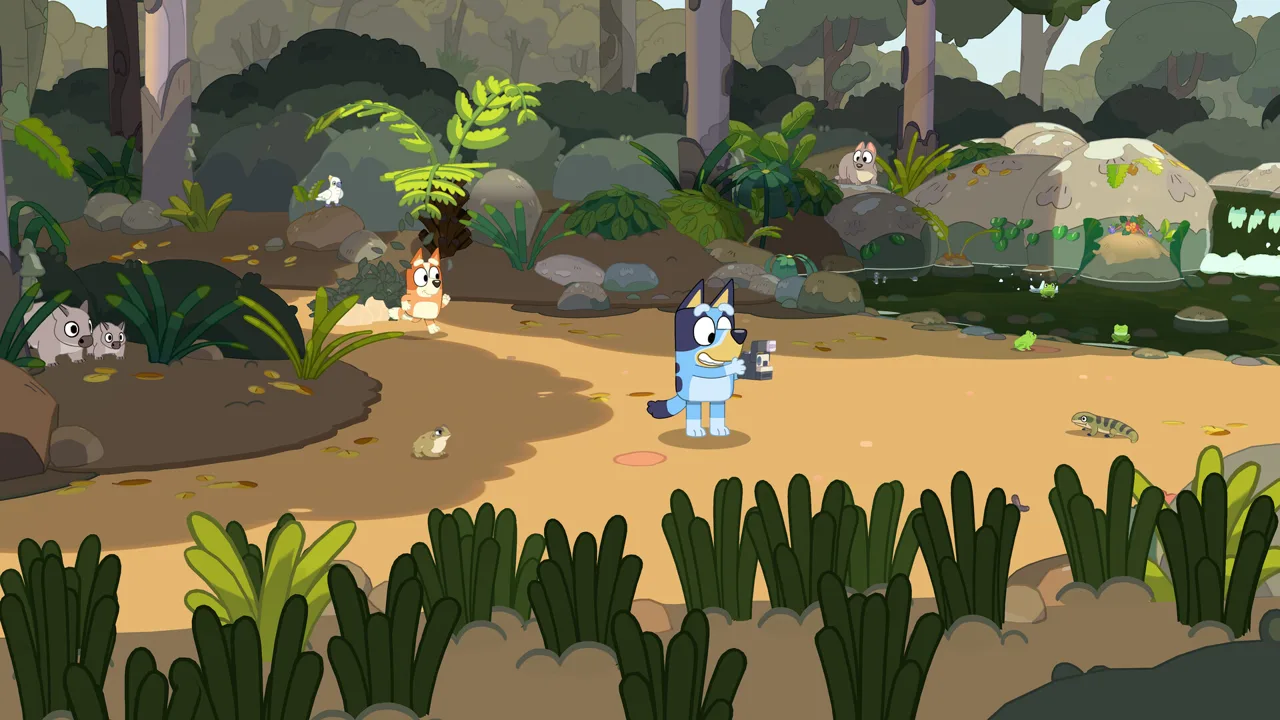 Image: Steam / Gameloft
The adventure begins at Bluey's house. Scrapbooks discovered throughout the house let you travel to other favorite places, and each destination has its own scrapbook to fill.
| Location | What you'll encounter | Photo idea to try |
|---|---|---|
| Bluey's house | Rooms full of surprises and toys | Capture a playful moment with your buddy |
| Hammerbarn | A familiar destination from the show | Frame a picture that includes the surroundings |
| South Bank | Sandcastles, ice cream, familiar faces, and water dragons | Look for wildlife and scenes you recognize |
| The Lookout | A view across the city | Include the skyline in a scenic picture |
| The Park | A destination reached by ferry, connected to “Spy Game” | Explore together and choose a subject |
Use a different theme at each destination. Focus on toys at the house, wildlife at South Bank, and scenery at The Lookout. These are optional photography prompts, so follow whatever catches your attention.
Familiar characters add more possibilities. Bluey's friends include Muffin, Chloe, Winton, and Lucky. When you encounter them, take a moment to enjoy the interaction and consider a picture before heading elsewhere.
Travel has playful moments, too. I-Spy appears between locations, giving you things to spot along the way. Keep looking during the journey instead of treating it as time between destinations.
At each stop, ask your buddy to choose something they recognize from the show. Then look for something new nearby. That gives familiar locations a fresh purpose during shared play.
Turn Shared Adventures Into Scrapbook Pages
Photos have a home in the game's scrapbooks, making them part of a larger creative activity. Bluey's Happy Snaps buddy mode gives you shared moments to capture, while scrapbook customization gives those pictures a place in your adventure.
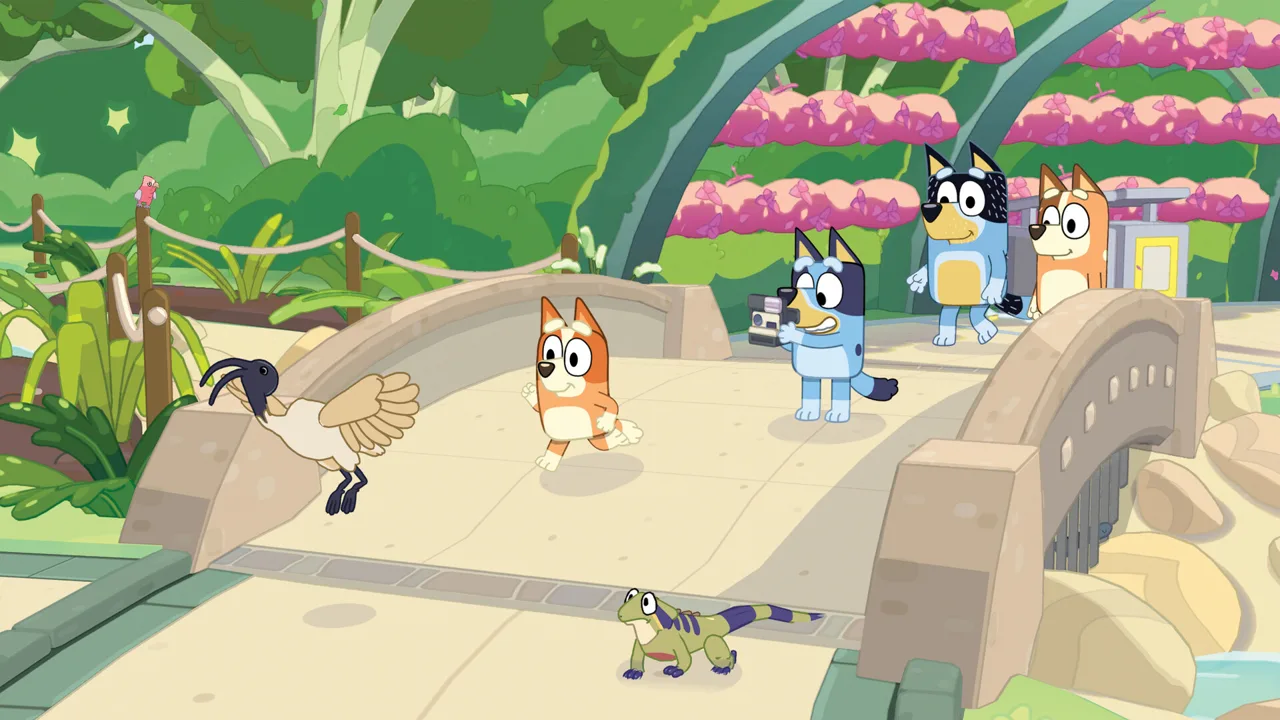 Image: Steam / Gameloft
Each location has its own scrapbook. You also receive a personal scrapbook to customize, with photos, stickers, and coloring activities offering different ways to decorate.
| Scrapbook feature | What you can do |
|---|---|
| Photos | Fill pages with snapshots from your adventure |
| Stickers | Collect and arrange designs inspired by characters, wildlife, and games |
| Coloring pages | Add your own colors |
| Stamps and washi tape | Decorate and personalize pages |
| Personal scrapbook | Create your own arrangement of memories |
Photography also connects to collecting. Taking pictures unlocks stickers, while costumes for Bluey and Bingo become available as you progress. Use the dress-up items you've unlocked when you want a different look for later pictures.
Give your photos variety. Take pictures of characters, animals, places, and play instead of focusing on a single subject throughout the whole session. Those different subjects give you more ways to tell the story of your day.
Before arranging a page, choose a simple theme:
- A wildlife outing featuring the animals you encountered.
- A day with friends built around familiar characters.
- A playful afternoon centered on toys.
- A neighborhood trip showing the places you visited.
Invite your buddy to help choose the theme and favorite pictures. Discuss colors and decorations together, then use the scrapbook tools to bring the idea onto the page.
Leave room for funny pictures, too. A playful moment can capture the spirit of your session just as well as a carefully arranged pose.
Plan a Family Session Around Play and Discovery
Build a Bluey's Happy Snaps buddy mode session around something both players want to do. Choose a location, look for a few interesting subjects, enjoy the toys, and spend time with your scrapbook.
Keep the plan loose enough for your buddy to change direction. The game includes open-ended activities, so let an interesting animal or familiar character interrupt the itinerary.
Start with a shared intention
Pick a goal that follows directly from the activities available:
- Choose a subject. Decide whether you want pictures of wildlife, friends, toys, or scenery.
- Explore together. Look around the location and interact with what catches your attention.
- Create a photo moment. Pose, play with a toy, or frame a subject you discover.
- Enjoy your pictures. Use your snapshots and decorations to build scrapbook pages.
These are ideas for organizing your play, rather than required objectives. Follow them when you want direction, or simply explore and photograph along the way.
Match the roles to each player's interests
Ask each player what sounds fun before assigning camera duties. A child who loves taking pictures can lead behind the camera; someone excited about toys can join the scene and play.
Keep talking during the session. Suggest a subject when the photographer needs inspiration, and ask the exploring player what they've found. Both roles contribute to the moment you're creating.
For siblings, alternate who chooses the next subject. For a grown-up and child, follow the child's interests and help turn their idea into a picture.
Carry an idea into real life
The game's Play for Real Life activities connect screen time with things to try at home. Ideas include barky boat races, homemade bubble wands, flowers, cushion forts, and cardboard-box creations. Helpful tips for grown-ups accompany these activities.
Choose an idea you enjoyed during play and try it together afterward. For a barky boat race, use a creek, bath, or bucket of water as suggested by the activity. For a creative afternoon, follow a craft idea or build something with everyday objects.
Let the same curiosity guide both parts of the day: spot something interesting, play with an idea, and share what happens.
FAQ
How many players does Bluey's Happy Snaps buddy mode support?
Bluey's Happy Snaps buddy mode supports two players in local co-op. Player one controls the camera and leads the adventure, while player two explores, poses, runs around, and plays with toys. The game also supports solo play.
Can you play buddy mode online?
No. Bluey's Happy Snaps has no online play. Its two-player adventure is local, so bring your friend, sibling, or grown-up into the same room for shared play.
What can the second player do?
The second player can explore, strike poses for pictures, run around, and play with toys. Both players can enjoy toys together along the way. Ask your buddy to help create a scene, choose a subject, or suggest the next photo idea.
Do you need the Deluxe Edition for buddy mode?
No. Two-player local play is part of the base game. The Deluxe Edition adds “Here Come the Grannies” bonus content, extra dress-up items, and a digital deluxe album. Choose your edition around those extras; buddy mode is already included in the standard adventure.
Continue with
 Bluey's Happy Snaps Developer and Publisher: Who Made It?Meet Bluey's Happy Snaps developer and publisher, learn what Gameloft Brisbane created, and understand the companies behind your family's next adventure.
More in Guide
Bluey's Happy Snaps Achievements: Steam Completion Guide
Explore Bluey's Happy Snaps achievements with all 20 Steam IDs, unlock rates, scrapbook tips, and a practical checklist for your completion-focused run.
Bluey's Happy Snaps Age Guide: What Parents Should Know
Bluey's Happy Snaps age guide: explore the Everyone rating, local co-op, photo activities, and family play tips to decide how your child can join the fun.
Bluey's Happy Snaps Beginner Guide: Camera & Play Tips
Use Bluey's Happy Snaps beginner guide to solve photo clues, unlock scrapbook rewards, enjoy local co-op, and explore with Bluey and Bingo. Say cheese!
Bluey's Happy Snaps FAQ: Co-Op, Platforms, and More
Explore Brisbane with Bluey and Bingo in Bluey's Happy Snaps. Get answers on local co-op, platforms, editions, scrapbook features, and language options.
Join the community
Official channels for news, updates and player help: