Bluey's Happy Snaps Review: A Family Photo Adventure
Bluey's Happy Snaps review covering photo gameplay, local co-op, scrapbook rewards, editions, and family features. See what to know before jumping in.
Jump to
Is Bluey's Happy Snaps Worth Playing?
Dad’s old camera gives Bluey and Bingo a playful reason to explore Brisbane, and it sits at the heart of this Bluey's Happy Snaps review. For families, the appeal comes from taking pictures, decorating a scrapbook, and sharing the adventure through local co-op. This Bluey's Happy Snaps review covers how those activities fit together, where the game stumbles, and what to check before buying.
Bluey’s Happy Snaps is a photography adventure built around curiosity. You explore familiar places, photograph Australian wildlife, play games with recognizable characters, and collect decorations for your scrapbook. Activities such as Shadowlands and Magic Cauldron connect the adventure to the show, while dress-up items add another creative outlet.
The appeal is especially clear for younger Bluey fans. Familiar characters give the photo objectives context, and the scrapbook turns discoveries into something players can arrange and personalize. Finding subjects also asks children to look around and interpret their objectives, leaving room to figure things out.
There are rough edges. On Nintendo Switch 2, static character eyes limit expression, and handling in some event segments can feel awkward. Those details matter in a game whose charm depends heavily on its characters and playful interactions.
The central takeaway from this Bluey's Happy Snaps review is that photography gives the adventure a useful focus. Its appeal comes from exploring, noticing details, and making something personal with the pictures you take.
Photography, Familiar Places, and Scrapbook Rewards
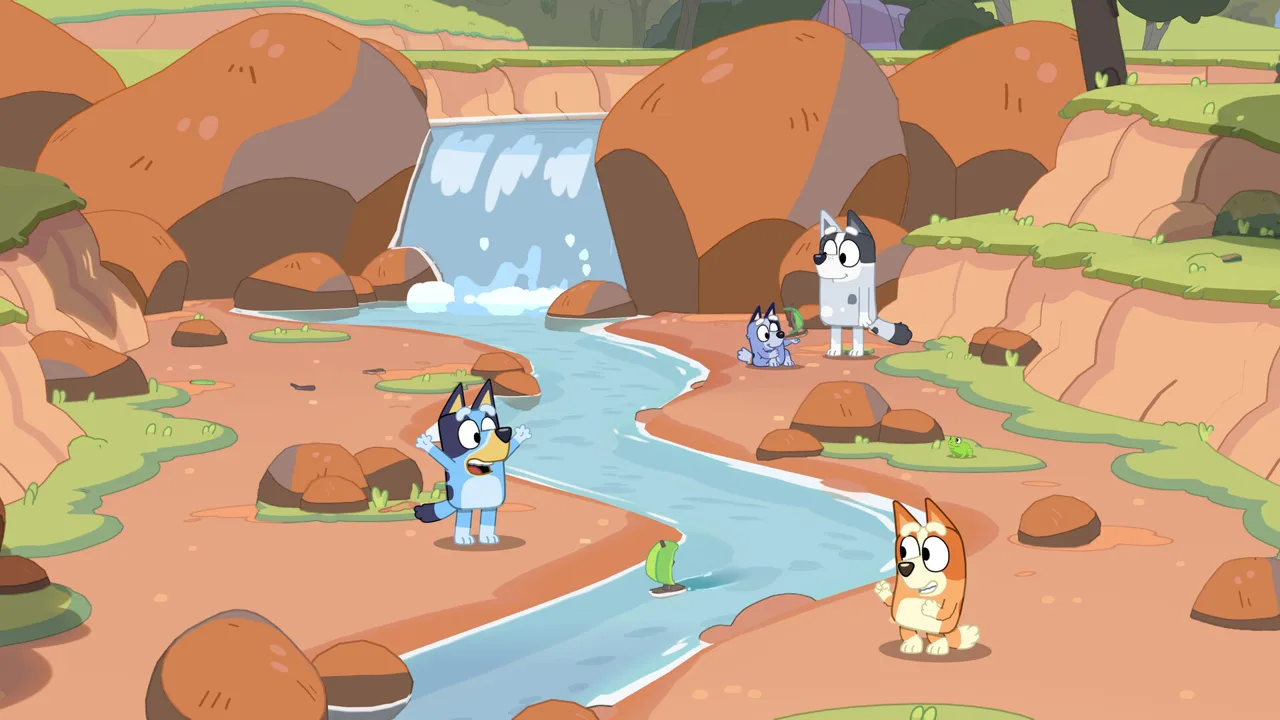
Bluey and Bingo discover Dad’s old camera and carry it through locations from their hometown. The adventure includes the family home, South Bank, The Park, The Lookout, and Hammerbarn.
 Image: Steam / Gameloft
Those settings offer different subjects and connections to the series:
| Location | What you can explore or photograph |
|---|---|
| Bluey’s family home | Familiar surroundings, interactive details, toys, and playful activities |
| South Bank | Bin chickens and wildlife, including water dragons |
| The Park | A location connected to “Spy Game,” reached by ferry |
| The Lookout | The view associated with “The Sign” |
| Hammerbarn | Another familiar destination included in the adventure |
The photography theme brings together several activities. You can capture wildlife, friends, games, and unexpected moments, then keep those snapshots in your scrapbook. Encounters include recognizable faces such as Muffin, Chloe, Winton, and Lucky.
For this Bluey's Happy Snaps review, the scrapbook is a particularly meaningful part of the design. Taking a picture contributes to a collection you can reshape with stickers, decorations, coloring, and page arrangements.
Photos unlock stickers inspired by the characters, animals, and activities you encounter. Costumes for Bluey and Bingo also unlock along the way. Scrapbook customization includes stamps, washi tape, and coloring pages, giving players several ways to make their albums feel personal.
Try these ideas while exploring:
- Photograph different subjects. Include wildlife, friends, and games to build a scrapbook with variety.
- Experiment with framing. Capture the same playful setting in different ways.
- Decorate around a theme. Group animal pictures together or build a page around favorite characters.
- Let your child choose the layout. Use the coloring and arrangement tools to give them ownership of the finished page.
These activities make the camera and scrapbook complementary. Exploration supplies the pictures, while decorating gives those discoveries another use.
Local Co-op and Play Beyond the Screen
Two-player local co-op lets Bluey and Bingo share the adventure. The roles differ: the main player leads from behind the camera, while the second player joins the exploration and poses for pictures.
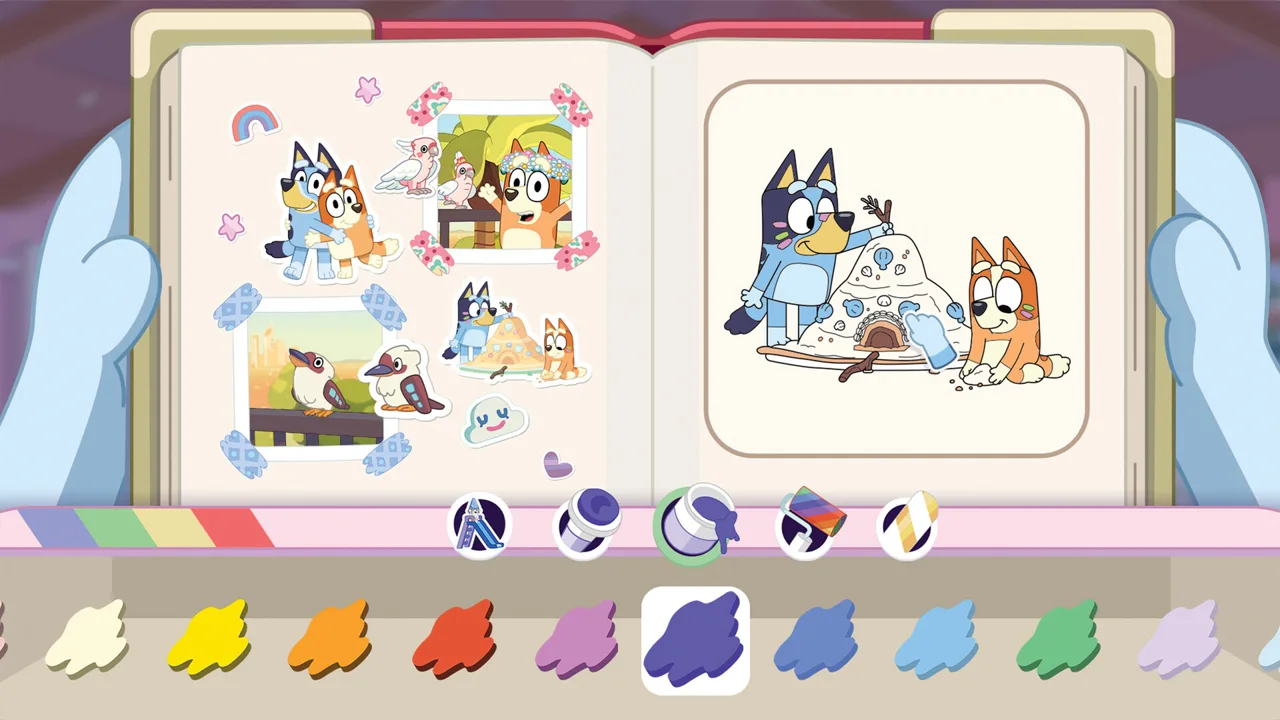 Image: Steam / Gameloft
That distinction matters when deciding who gets which controller.
| Role | What the player does |
|---|---|
| Main player | Leads the adventure and handles the camera |
| Second player | Explores alongside the main player and poses for photographs |
| Both players | Share activities and play with toys together |
Decide who wants to take pictures before starting a shared session. A child who enjoys composing photos has a different role from someone who wants to move around and appear in them.
The co-op setup is one of the family features worth emphasizing in a Bluey's Happy Snaps review. It creates opportunities for a parent to participate in the same activity, with one person arranging a shot and the other helping make it happen.
The game also includes “Play for Real Life” activities that carry ideas beyond the screen. These offer practical prompts involving everyday objects and surroundings, including cushion forts, cardboard creations, birdwatching, bubble wands, and imaginary taxi rides.
Use those prompts as natural stopping points. After an activity catches your child’s attention, recreate a version with objects you already have. Build a cushion fort after playing indoors, or look for birds after photographing wildlife.
That connection suits Bluey’s emphasis on imaginative play. The game gives families an activity to share on-screen and an idea they can continue afterward.
There is no online play. Multiplayer takes place locally, so shared sessions center on the people playing together in the room.
Price, Editions, and What You Actually Get
Price deserves attention in any Bluey's Happy Snaps review because the game has several purchase options.
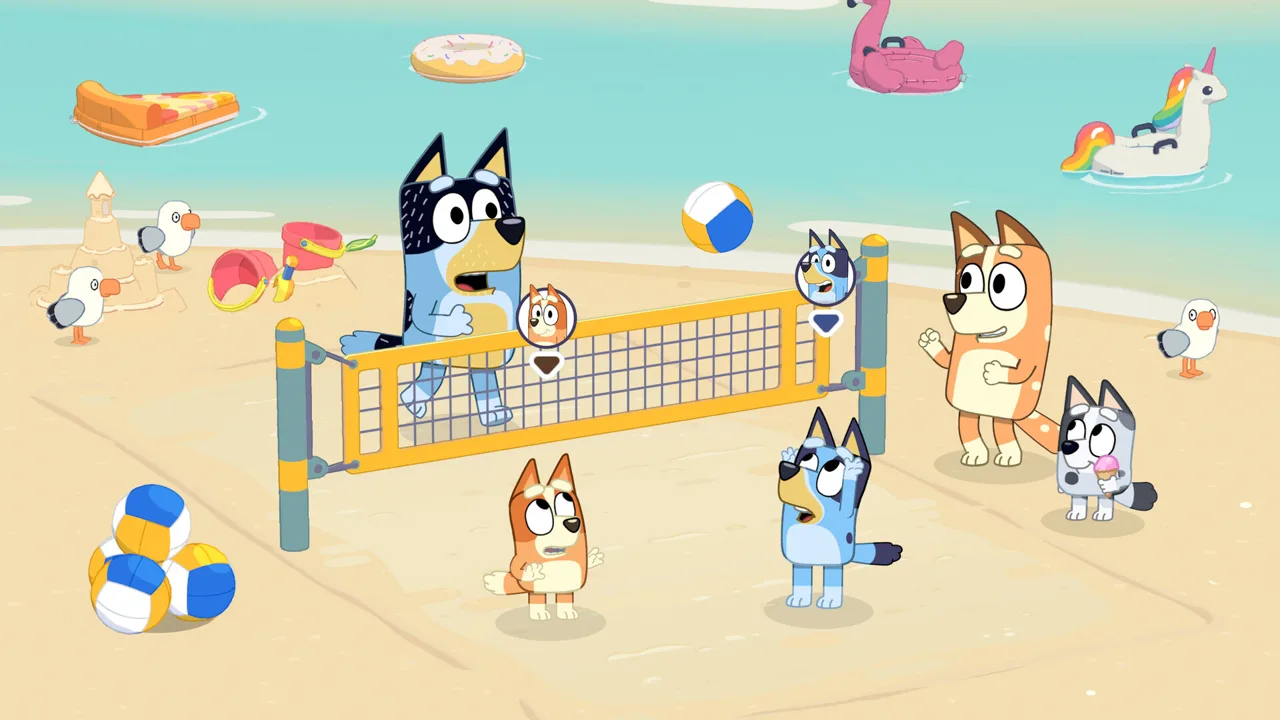 Image: Steam / Gameloft
As of October 16, 2026, the U.S. Xbox standard edition is priced at $39.99, while the Deluxe Edition is $54.99. The game is also included with Xbox Game Pass, with the Xbox page identifying Ultimate and a PC subscription option.
The editions differ in their included extras:
| Edition | Included content |
|---|---|
| Standard Edition | The base game |
| Deluxe Edition | The base game, “Here Come the Grannies” bonus content, extra dress-up items, and a Digital Deluxe Album |
| Activity Book Edition | The Deluxe Edition, a 44-page activity book, and two extra sticker sheets |
The Digital Deluxe Album includes artwork and a look at the game’s creation. The Activity Book Edition adds drawing pages and simple activities, extending its extras into something children can use away from the console.
A limited-time digital launch promotion offers the Deluxe Edition for the price of the standard edition, including on Steam. Compare the edition names and checkout totals before paying separately for an upgrade.
The game itself has no in-game purchases. Deluxe content is sold through edition and add-on options, which is a separate purchase consideration from the activities and unlockable items within the adventure.
Keep these checks simple:
- Check your existing subscription access. Look for Bluey’s Happy Snaps in your Xbox Game Pass library.
- Compare standard and Deluxe checkout prices. Account for the digital launch promotion.
- Read the physical package contents. Distinguish the Activity Book Edition from other editions.
- Choose extras your family will use. Consider whether dress-ups, bonus content, or paper activities matter to your child.
You can compare Bluey’s Happy Snaps editions on Xbox or check the Steam purchase options.
Platforms, Controls, and Family Setup
Bluey’s Happy Snaps launched globally on October 15, 2026. It is available for Nintendo Switch, Nintendo Switch 2, PlayStation 4, PlayStation 5, Xbox One, Xbox Series X|S, and PC.
The PC release includes Steam, Epic Games Store, and Xbox on PC. Xbox Play Anywhere support is also included.
Platform details can affect how you plan to play:
| Platform or feature | Detail to know |
|---|---|
| Xbox | Supports Smart Delivery, Xbox Play Anywhere, achievements, and cloud saves |
| Physical Xbox edition | HDR10 is unsupported despite an incorrect statement on the packaging |
| Steam PC version | Includes full controller support, achievements, Steam Cloud, and Family Sharing |
| Steam Deck | Verified, with functional default controls, readable interface text, and a performant default configuration |
| SteamOS/Linux | Rated Playable; external controllers are unsupported for the primary player |
| Steam Deck external controllers | Unsupported for the primary player |
For handheld play, Steam Deck verification is a useful detail in this Bluey's Happy Snaps review. The default configuration supports readable text and working controls. Use the built-in controls for the primary player, keeping the external-controller limitation in mind when planning a docked setup.
On Windows, the minimum requirements include Windows 11 or a valid compatibility layer, 8 GB RAM, and an AMD Ryzen 5 1600X or Intel Core i5-9400F processor. Minimum graphics options are an AMD Radeon RX 6400 or Nvidia GeForce GTX 1650.
The recommended specification increases memory to 16 GB RAM, with a Ryzen 5 3600X or Core i5-10400 processor and a Radeon RX 5700 XT or GeForce RTX 3050 graphics card. Compare those requirements with your computer before purchasing.
Language setup also matters for younger players. Full English voice acting is available at launch. Text support includes U.S. and Australian English alongside French, Italian, German, Japanese, Brazilian Portuguese, Spanish variants, and Simplified and Traditional Chinese.
Additional localized voices are scheduled through a free update requiring an internet connection. On PlayStation, English, Latin American Spanish, French, and Brazilian Portuguese are available at launch.
The game carries an E for Everyone rating. For a shared session, start by choosing the camera player, then let the other player explore and help create the pictures. Give scrapbook decoration its own time, especially when your child enjoys arranging and coloring as much as taking photos.
FAQ
What is the main takeaway from this Bluey's Happy Snaps review?
The game combines photography, familiar Bluey locations, scrapbook customization, and two-player local co-op. Its creative activities suit younger fans, though Nintendo Switch 2 has some awkward event handling and limited eye animation.
Does Bluey’s Happy Snaps have online multiplayer?
No. It supports solo play and two-player local co-op. The main player handles the camera, while the second player explores, poses, and joins activities.
Are there in-game purchases?
No. The game has no in-game purchases. A separate Deluxe Edition includes bonus Grannies content, additional dress-up items, and a Digital Deluxe Album.
Is Bluey’s Happy Snaps playable on Steam Deck?
Yes. It is Steam Deck Verified, with functional default controls, readable text, and a performant default configuration. External controllers are unsupported for the primary player.
Continue with
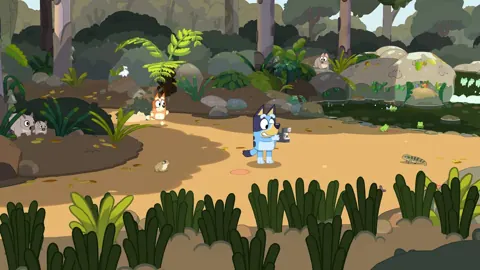 Bluey's Happy Snaps Trailer And Screenshots: Full GuideExplore Bluey's Happy Snaps trailer and screenshots, discover photo gameplay, local co-op, familiar locations, and scrapbook features before you jump in.
More in Guide
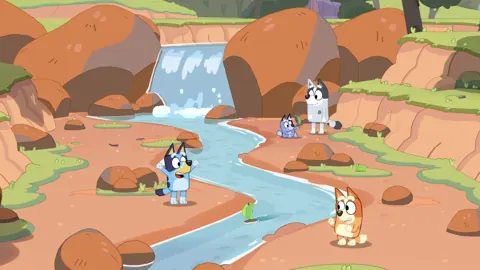
Bluey's Happy Snaps Achievements: Steam Completion Guide
Explore Bluey's Happy Snaps achievements with all 20 Steam IDs, unlock rates, scrapbook tips, and a practical checklist for your completion-focused run.
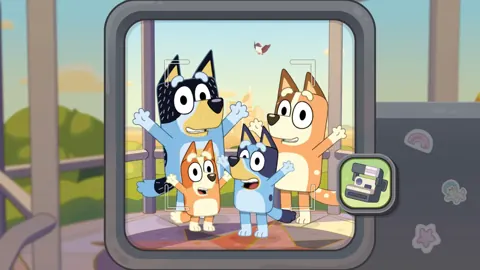
Bluey's Happy Snaps Age Guide: What Parents Should Know
Bluey's Happy Snaps age guide: explore the Everyone rating, local co-op, photo activities, and family play tips to decide how your child can join the fun.
Bluey's Happy Snaps Beginner Guide: Camera & Play Tips
Use Bluey's Happy Snaps beginner guide to solve photo clues, unlock scrapbook rewards, enjoy local co-op, and explore with Bluey and Bingo. Say cheese!
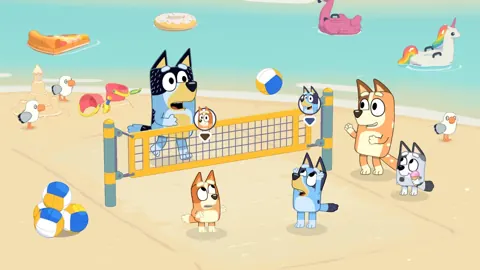
Bluey's Happy Snaps Buddy Mode: Two-Player Co-Op Guide
Explore Bluey's Happy Snaps buddy mode with tips to local co-op, camera roles, toys, and scrapbook fun. Plan a playful adventure for two players at home.
Join the community
Official channels for news, updates and player help: