Bluey's Happy Snaps Trailer And Screenshots: Full Guide
Explore Bluey's Happy Snaps trailer and screenshots, discover photo gameplay, local co-op, familiar locations, and scrapbook features before you jump in.
Jump to
Where to Find Bluey's Happy Snaps Trailer and Screenshots
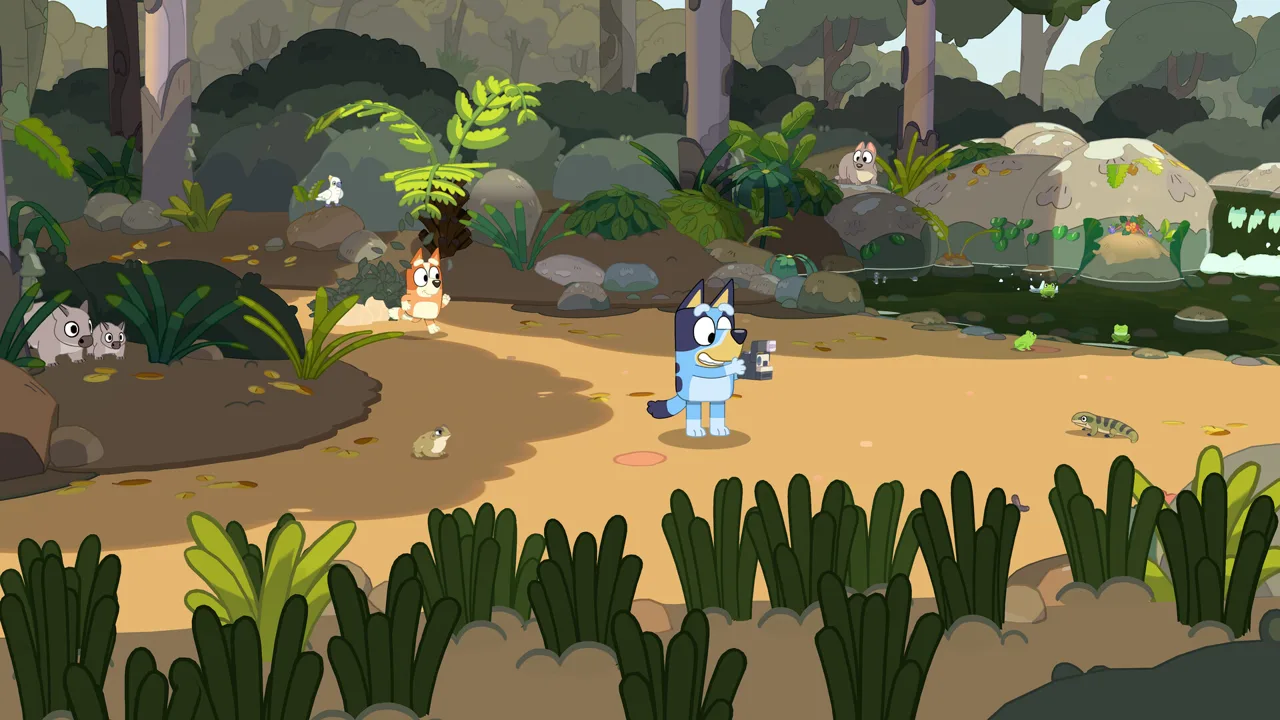
Dad’s old camera turns an ordinary family outing into a scrapbook adventure, and Bluey's Happy Snaps trailer and screenshots introduce the photography, pretend play, and familiar places at its heart. They give you a useful way to explore the game’s activities before choosing something to play together. Start with the launch trailer, then browse Bluey's Happy Snaps trailer and screenshots for a closer look at the environments and photo opportunities.
You can find trailers and a media gallery on the Bluey's Happy Snaps official website. The Bluey's Happy Snaps Steam page also includes trailers and seven gameplay screenshots, with full-size images available at 1920 × 1080.
Several trailers cover different parts of the adventure:
| Trailer | Main focus |
|---|---|
| Launch Trailer | An introduction to the released game |
| Overview Trailer featuring Bindi Irwin | The world, characters, activities, and Australian wildlife |
| Play for Real Life Trailer | Photography, playful activities, scrapbook decorating, and ideas for play beyond the screen |
| Nintendo Direct September 2026 Gameplay Trailer | Camera moments, family dialogue, scrapbook references, balloons, and pretend taxi play |
Watch the overview trailer when you want a broader introduction to exploring Brisbane. Follow it with Play for Real Life to explore the connection between activities in the game and things your family can try at home.
Keep the screenshot gallery open afterward. Pausing over a still image gives you time to inspect details that are easy to miss while watching a trailer, especially when you are browsing with a young Bluey fan who wants to point everything out.
What to Look for in the Gameplay Trailers
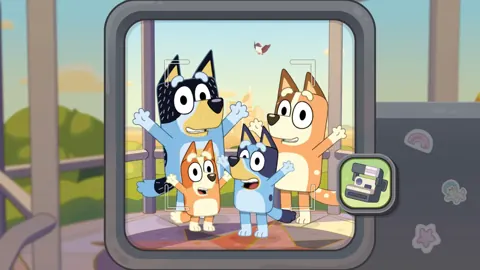
The central idea is straightforward: Bluey and Bingo discover Dad’s old camera, take it on their adventures, and collect pictures in a scrapbook. Photography connects the places you explore with the memories you keep.
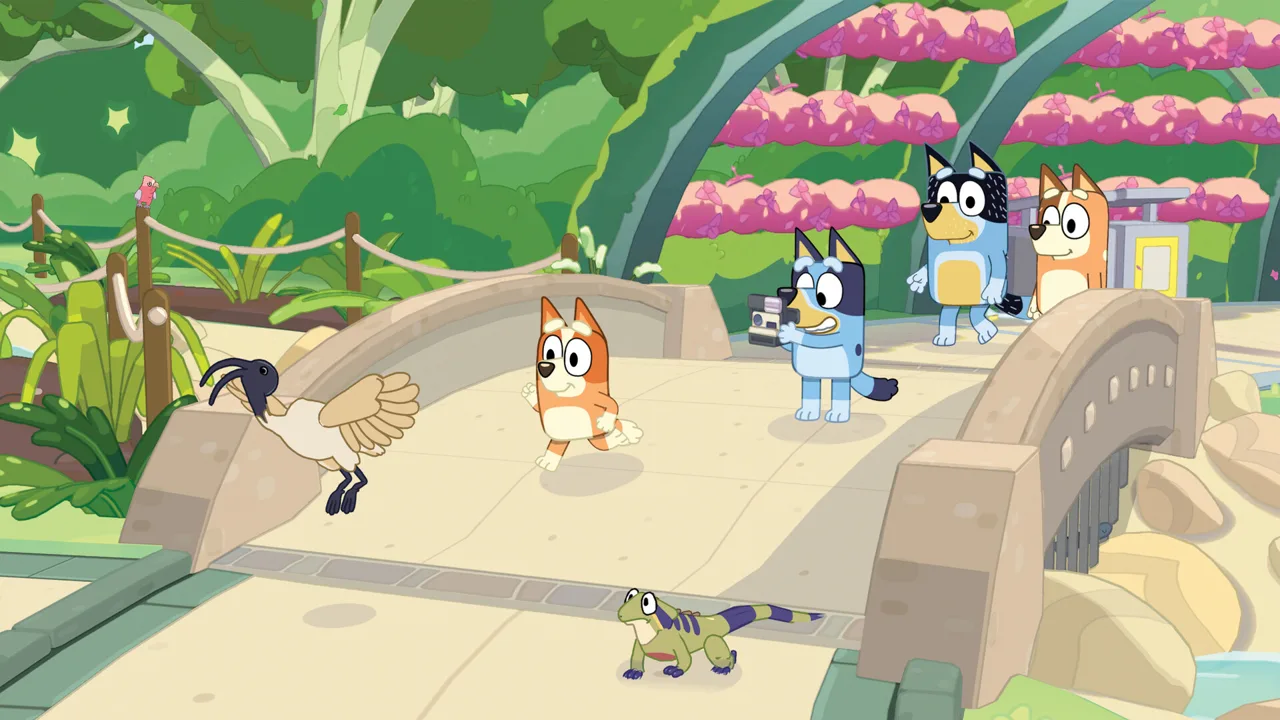 Image: Steam / Gameloft
When browsing Bluey's Happy Snaps trailer and screenshots, focus on how those activities fit together. Exploring, playing with toys, meeting friends, and photographing wildlife all feed into the same family adventure.
Photography Is Part of the Play
Your subjects include Australian animals, familiar characters, and the games happening around you. The camera gives those everyday discoveries a place in Bluey’s scrapbook.
Look for the relationship between an activity and the photograph you could take. A friend striking a pose offers a different picture from an animal encounter or a moment of pretend play. Keep those possibilities in mind when you start exploring.
The Nintendo Direct gameplay trailer includes playful exchanges about taking pictures and handing over a turn. Its taxi dialogue also captures a familiar Bluey idea: an ordinary setting can become somewhere entirely different once everyone joins the game.
Familiar Friends Join the Adventure
Bluey and Bingo share their outings with characters including Winton, Chloe, Lucky, and Muffin. Their presence gives you more subjects to photograph alongside wildlife and scenery.
Make a short mental checklist of the characters your child recognizes while you browse. Then look for opportunities to photograph those favorites during play. Build a scrapbook page around a favorite friend, or collect pictures of different characters enjoying an activity.
Wildlife Adds Another Reason to Explore
Animal encounters include lorikeets, koalas, wombats, and water dragons. South Bank is among the places where you can encounter wildlife, giving a recognizable destination another layer of interest.
Choose an animal theme for some of your pictures. Try gathering wildlife snapshots alongside photos of the places where you encounter them, then arrange those memories together in your scrapbook.
That gives your outing a simple creative goal without needing to turn every photograph into a completion task.
Browse the Screenshots for Familiar Places
The appeal of Bluey's Happy Snaps trailer and screenshots extends beyond recognizing Bluey and Bingo. The adventure takes you into locations from the show, including the family home and destinations around Brisbane.
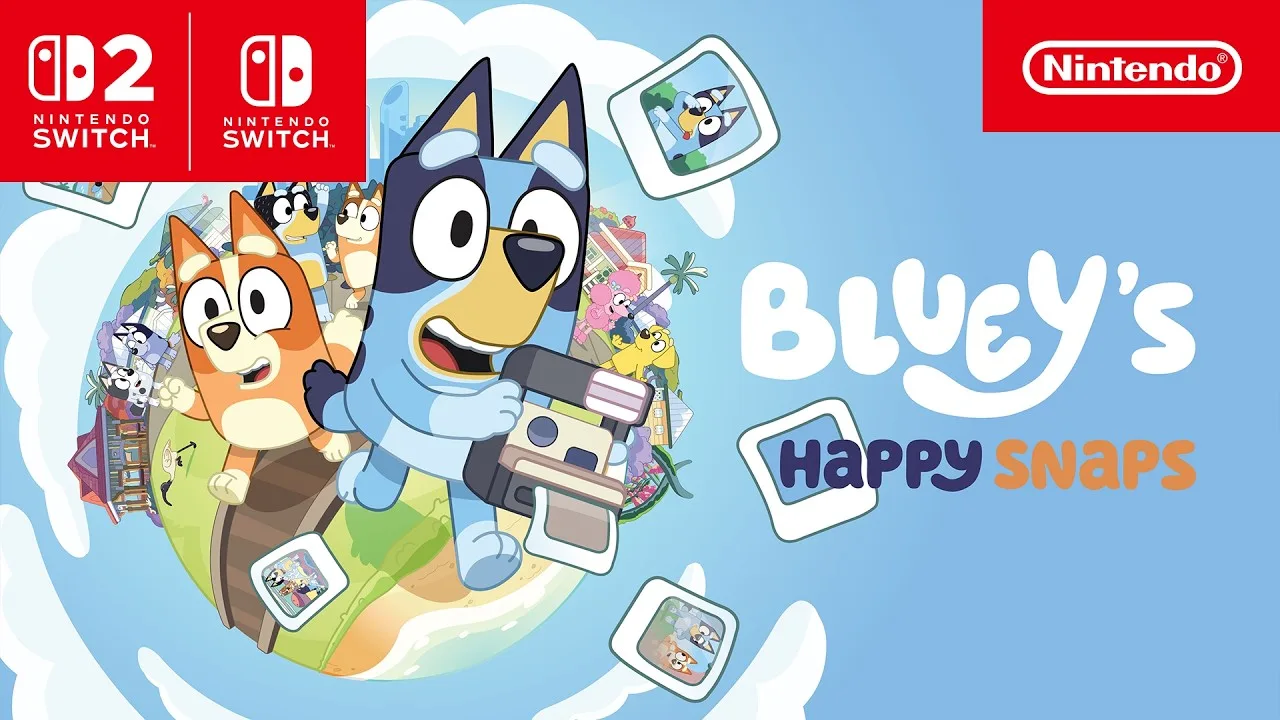
Use these familiar places as starting points when deciding what you want to explore:
| Location | Connection or activity |
|---|---|
| Bluey’s family home | A setting for exploration, interaction, and play |
| The Park | Connected to “Spy Game” and reached by ferry |
| South Bank | Connected to “Ice Cream,” with bin chickens and Australian wildlife |
| The Lookout | A familiar view from “The Sign” |
| Hammerbarn | Another destination included in the adventure |
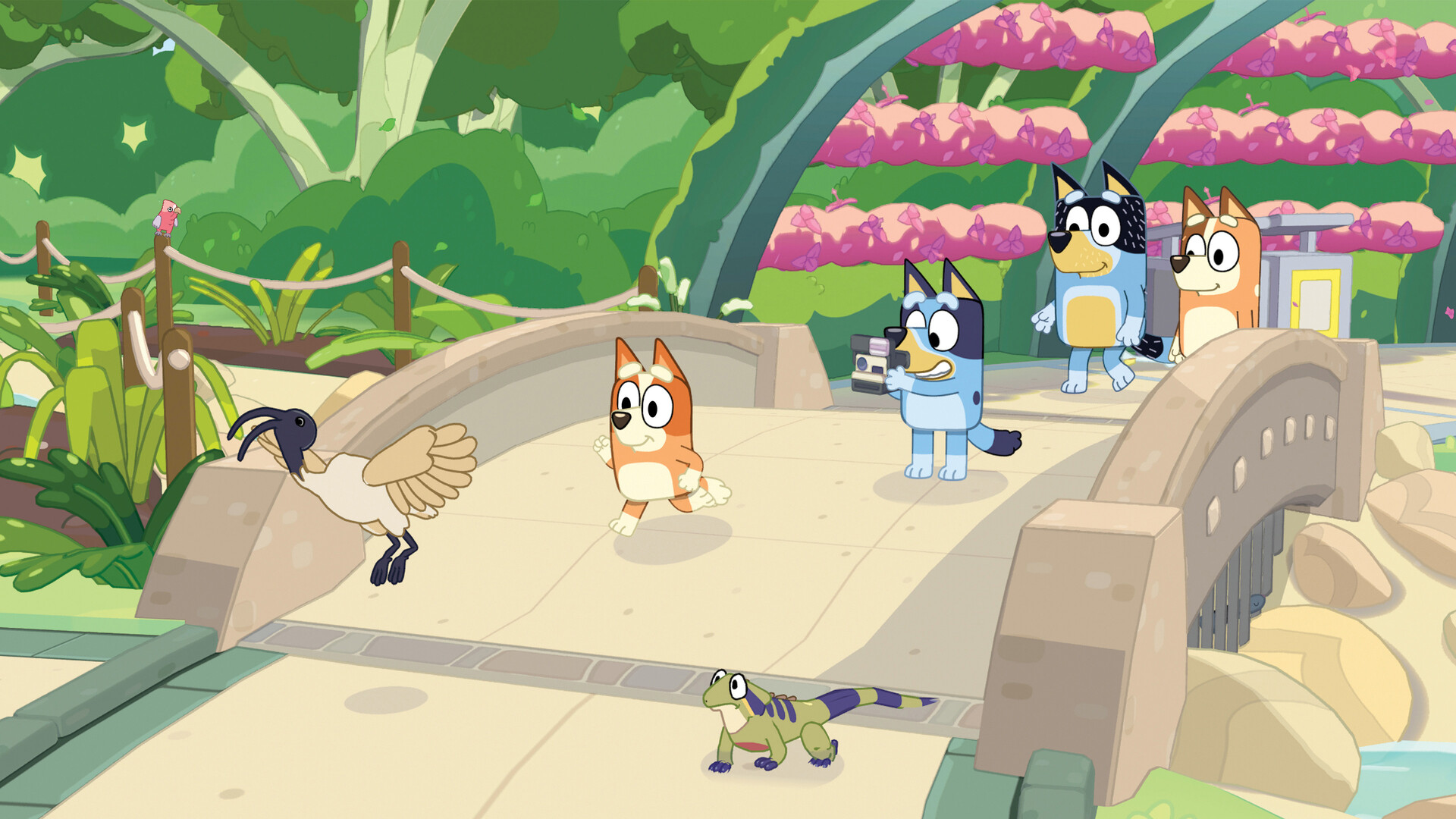
Browse the gallery with a purpose. Look at the environments, then think about the kinds of pictures you would like to take there: a character portrait, an animal encounter, or a memory of a shared game.
Ask younger players which place they recognize or want to visit. That gives them a concrete choice before the adventure begins and makes the gallery useful beyond a quick scroll through promotional images.
Give Each Outing a Photo Theme
Pick a theme tied to an activity the game supports:
- Friends: Photograph familiar characters you encounter.
- Wildlife: Collect pictures of Australian animals.
- Playtime: Capture games and moments with toys.
- Family outings: Group memories from a location together.
These are creative prompts for using the camera and scrapbook. Choose whichever theme interests your family, and change it whenever another idea sounds more fun.
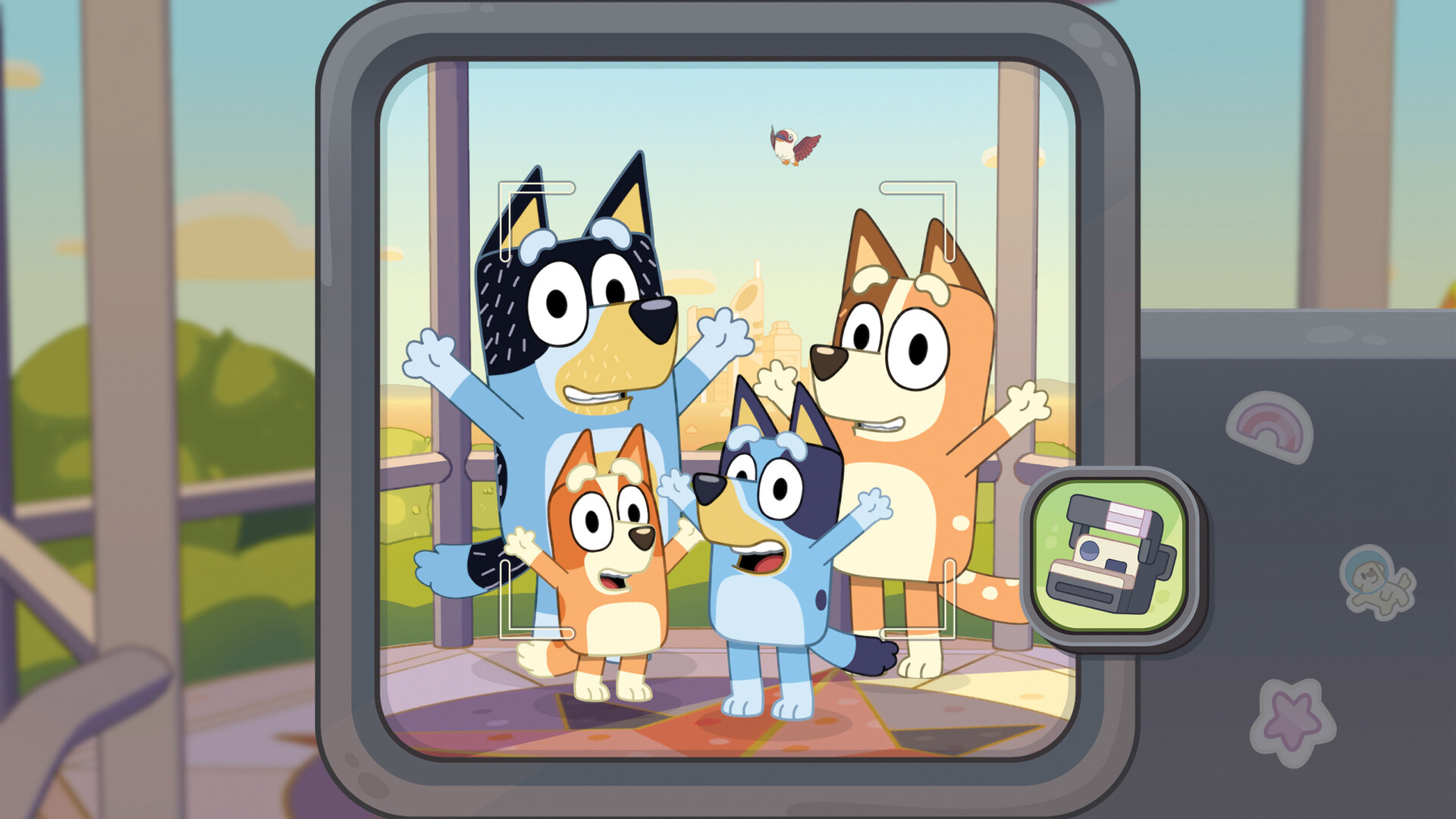
When comparing Bluey's Happy Snaps trailer and screenshots, use the moving footage to explore the activities and the still images to spend more time with individual scenes. Both are useful when choosing a destination or a scrapbook idea.
Understand the Camera, Scrapbook, and Local Co-op
The camera starts the collection, but the scrapbook gives you room to make it personal. Pictures become material you can arrange alongside decorative elements and coloring activities.
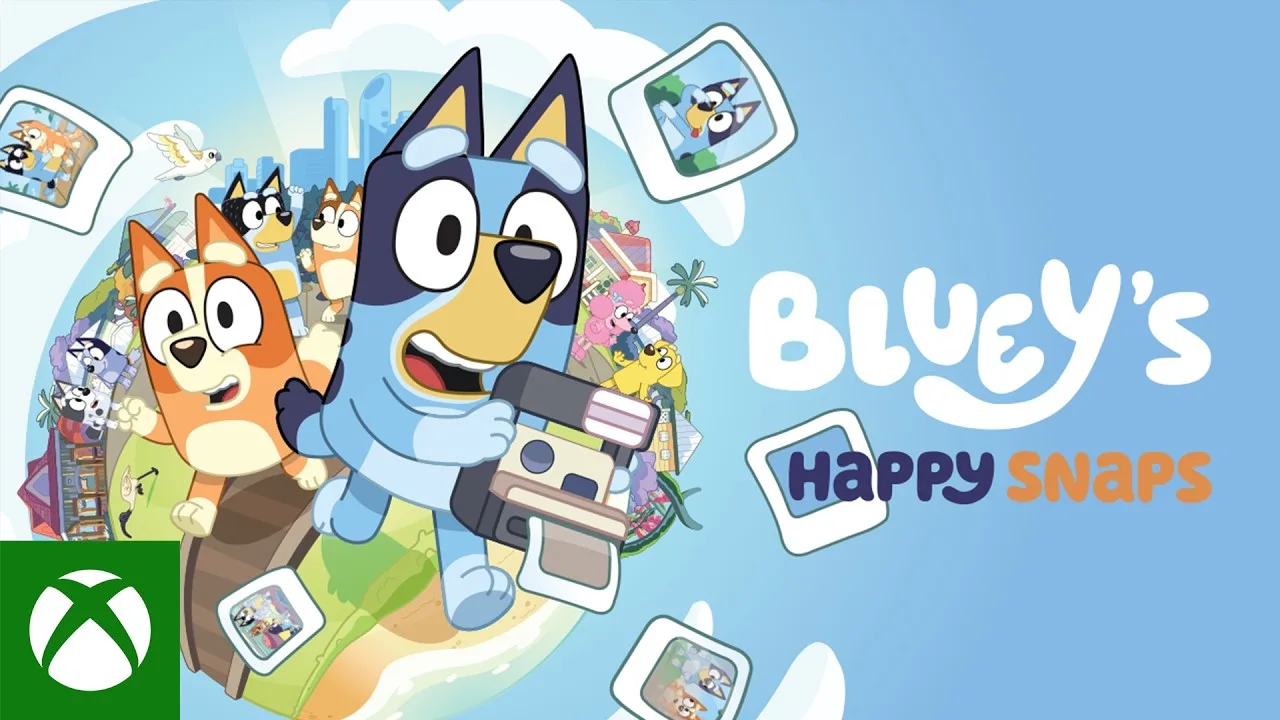
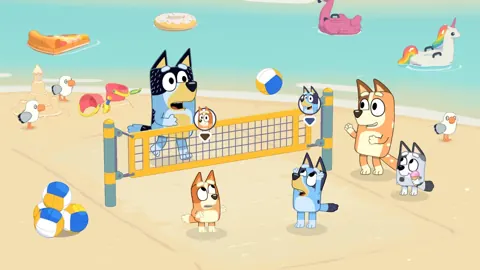
Local co-op also lets another player share the adventure as Bluey and Bingo. The main player leads behind the camera while the second player explores, poses, and joins the fun.
| Feature | What you can do |
|---|---|
| Photography | Capture wildlife, characters, games, and memorable moments |
| Scrapbook | Keep snapshots and arrange them into personalized pages |
| Decorations | Customize pages with stickers, stamps, washi tape, and coloring |
| Dress-ups | Unlock outfits for Bluey and Bingo |
| Local co-op | Explore together, pose for photos, and play with toys |
Make the Scrapbook Your Own
Use the scrapbook to give your pictures a connection. Arrange animal photos together, build a page around a friend, or group snapshots from the same outing.
Experiment with decoration after choosing your pictures. Add stamps or washi tape around a page, then use coloring to give it another personal touch. Let the player who took the photos decide which memories belong together.
Photography also unlocks stickers and decorations, so taking pictures supports the creative side of the adventure. Dress-ups offer another way to change how Bluey and Bingo look along the way.
Plan for Two Different Roles
Discuss the co-op roles before starting together. Decide who wants to lead with the camera and who wants to explore and pose.
Use those roles to create pictures together. Suggest a pose, choose a character or animal to photograph, or join a toy activity before capturing the moment. Give the player posing room to contribute ideas about the picture.
When reviewing Bluey's Happy Snaps trailer and screenshots with a co-op partner, talk about the activities each of you wants to try. Someone interested in photography and someone eager to play with toys can both contribute to the outing.
The game supports solo play and two-player local co-op. It has no online play and no in-game purchases.
Turn the Preview Into Your First Play Session
Bluey’s Happy Snaps launched on October 15, 2026. It is available across Nintendo, PlayStation, Xbox, and PC platforms, with Xbox Game Pass inclusion and Xbox Play Anywhere support.
| Platform family | Available versions |
|---|---|
| Nintendo | Nintendo Switch and Nintendo Switch 2 |
| PlayStation | PlayStation 4 and PlayStation 5 |
| Xbox consoles | Xbox One and Xbox Series X|S |
| PC | Steam, Epic Games Store, and Xbox on PC |
After browsing Bluey's Happy Snaps trailer and screenshots, choose a simple starting idea: explore a familiar place, photograph wildlife, or share an activity with another player.
Keep the plan small enough to leave room for surprises. Pick a scrapbook theme rather than a long checklist, and let an interesting character or animal encounter change what you want to photograph.
On Steam, full controller support is included, and a gamepad is recommended. Choose your controls before settling in so you can focus on exploring together.
Carry an Idea Beyond the Screen
Play for Real Life connects the adventure with activities using everyday objects and surroundings. Ideas include birdwatching, building cushion forts, making creations from cardboard boxes, and inventing pretend games.
Choose one idea that connects with the outing you just enjoyed. Follow wildlife photography with backyard birdwatching, or carry the pretend taxi game into family play.
Try making a paper scrapbook page afterward. Draw a favorite moment, arrange your own pictures, or decorate a page around an animal you spotted. Use the same creative choices the game encourages: selecting a memory, deciding how to present it, and adding something personal.
Let your child choose which idea to carry forward. The camera provides the starting point; the next game can begin with whatever catches their imagination.
FAQ
Where can I find Bluey's Happy Snaps trailer and screenshots?
Visit the game’s official website or Steam page. Both include trailers and screenshots, and the Steam gallery contains seven gameplay images with full-size 1920 × 1080 versions.
Which trailer should I watch for a detailed gameplay introduction?
Watch the Overview Trailer featuring Bindi Irwin for an introduction to the locations, characters, wildlife, and activities. Follow it with Play for Real Life for photography, scrapbook decorating, and ideas that connect the game with everyday play.
Does Bluey’s Happy Snaps support two players?
Yes. Two players can share local co-op as Bluey and Bingo. The main player leads behind the camera, while the second player can explore, pose, and join activities. Solo play is also supported.
Can I decorate the photos I collect?
You can arrange snapshots in a personalized scrapbook and customize its pages with stickers, stamps, washi tape, and coloring. Taking photographs also unlocks stickers and decorations for your scrapbook.
Continue with
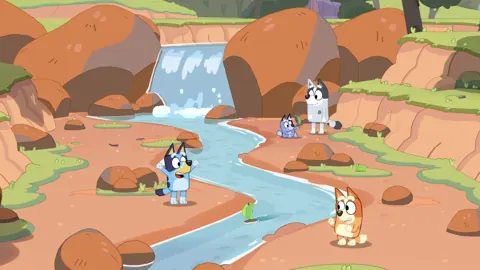 Bluey's Happy Snaps Walkthrough: All Areas and RewardsFollow our Bluey's Happy Snaps walkthrough through every outing, solve photo clues, collect activity rewards, and return for scrapbook photos you missed.
More in Guide
Bluey's Happy Snaps Achievements: Steam Completion Guide
Explore Bluey's Happy Snaps achievements with all 20 Steam IDs, unlock rates, scrapbook tips, and a practical checklist for your completion-focused run.
Bluey's Happy Snaps Age Guide: What Parents Should Know
Bluey's Happy Snaps age guide: explore the Everyone rating, local co-op, photo activities, and family play tips to decide how your child can join the fun.
Bluey's Happy Snaps Beginner Guide: Camera & Play Tips
Use Bluey's Happy Snaps beginner guide to solve photo clues, unlock scrapbook rewards, enjoy local co-op, and explore with Bluey and Bingo. Say cheese!
Bluey's Happy Snaps Buddy Mode: Two-Player Co-Op Guide
Explore Bluey's Happy Snaps buddy mode with tips to local co-op, camera roles, toys, and scrapbook fun. Plan a playful adventure for two players at home.
Join the community
Official channels for news, updates and player help: