Bluey's Happy Snaps Xbox: Game Pass, Co-Op, and Price
Play Bluey's Happy Snaps on Xbox One or Series X|S. Check Game Pass access, prices, editions, and local co-op before touring Brisbane with Bluey and Bingo.
Jump to
Is Bluey's Happy Snaps Available on Xbox?
Bluey's Happy Snaps Xbox turns Dad's old camera into a reason to explore Brisbane with Bluey and Bingo. Released October 15, 2026, Bluey's Happy Snaps Xbox is available on Xbox One and Xbox Series X|S, with solo play and two-player local co-op. For families planning their next shared gaming session, Game Pass Ultimate includes the game, so subscribers can jump in without buying the standard edition separately.
The adventure starts when the sisters discover Bandit's camera. From there, you explore familiar places, photograph wildlife, play games with friends, and decorate scrapbooks with your discoveries. Photography connects the activities, giving you something to collect while leaving room to poke around and play.
| Xbox detail | What you get |
|---|---|
| Release date | October 15, 2026 |
| Supported consoles | Xbox One and Xbox Series X|S |
| Standard digital price | $39.99 in the U.S. |
| Deluxe digital price | $54.99 in the U.S. |
| Players | Single-player or two-player local co-op |
| Subscription access | Included with Game Pass Ultimate |
| ESRB rating | E for Everyone |
Gameloft Brisbane developed the game with Ludo Studio and BBC Studios. Its focus is on exploring, experimenting, and sharing playful moments with familiar characters.
Visit the Bluey's Happy Snaps Xbox purchase page to buy the game or access it through your eligible subscription.
Game Pass, Prices, and Editions Explained
The Bluey's Happy Snaps Xbox standard edition costs $39.99 digitally in the U.S., while the Deluxe Edition costs $54.99.
 Image: Steam / Gameloft
Game Pass Ultimate includes the game and cloud access. With Game Pass Essential or Premium, purchasing the game is required to stream it. Keep that distinction in mind when deciding between downloading through a subscription, buying a copy, or playing through Xbox Cloud Gaming.
What comes with each edition?
The base adventure includes photography, exploration, scrapbook customization, and local co-op. Deluxe adds the Grannies content, extra costumes, and a digital album.
| Edition | Included content | U.S. Xbox digital price |
|---|---|---|
| Standard | Base game | $39.99 |
| Deluxe | Base game, “Here Come the Grannies!” game mode, extra dress-up costumes, and Digital Deluxe Album | $54.99 |
| Activity Book Edition | Deluxe content, a 44-page activity book, and two extra sticker sheets | — |
The Digital Deluxe Album includes artwork and a look at the game's creation. The Activity Book Edition adds physical activities and stickers, extending the scrapbook theme beyond the game.
Compare the included content before paying for an upgrade. The core photography adventure and two-player local co-op are already part of the standard game; the Deluxe extras center on additional activities, outfits, and the album.
Are there microtransactions?
Bluey's Happy Snaps has no in-game purchases during play. Deluxe content is offered separately through the Deluxe Edition and its add-on package.
That distinction matters when buying for a child: choosing an edition is a purchase decision outside the main adventure. Taking photos and collecting scrapbook decorations are gameplay activities.
For a family already using Ultimate, start with the included game. Explore the camera, scrapbooks, and shared play before deciding whether the Grannies extras are something you want to purchase.
Xbox Features, Smart Delivery, and Physical Copies
Bluey's Happy Snaps Xbox supports Smart Delivery and Xbox Play Anywhere. Those features serve different purposes: Smart Delivery handles the appropriate Xbox console version, while Play Anywhere connects an eligible digital purchase across supported Xbox and Windows PC platforms.
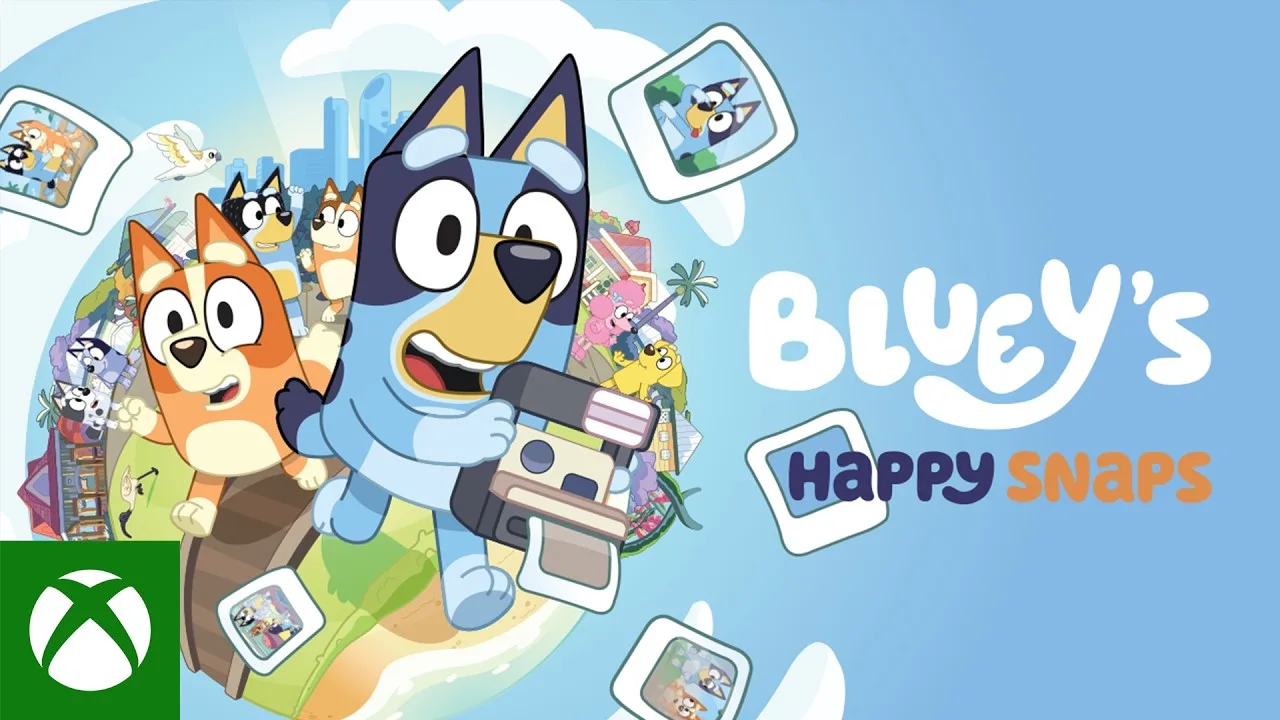
Xbox cloud saves and achievements are also supported. If you move between console and the Xbox PC version, use the same Microsoft account to take advantage of the connected Xbox experience.
| Feature | What it means for your plans |
|---|---|
| Smart Delivery | Supports the appropriate version across Xbox One and Xbox Series X|S |
| Xbox Play Anywhere | An eligible digital purchase supports Xbox and Windows PC play |
| Xbox cloud saves | Supports cloud-based save synchronization |
| Xbox achievements | Includes Xbox achievement support |
| Series X|S optimization | Includes enhancements for Xbox Series X|S |
| 4K Ultra HD and 60 fps+ | Supported Xbox capabilities |
| HDR10 | Not supported |
| Xbox Cloud Gaming | Offers streaming access under the applicable subscription and purchase conditions |
Keep Xbox Play Anywhere separate from Steam ownership when shopping. Steam is another PC storefront; the Xbox Play Anywhere benefit belongs to the eligible Xbox digital purchase.
A packaging detail worth checking
Physical Xbox editions are available in select markets. However, Xbox packaging incorrectly identifies the game as HDR10 compatible. Bluey's Happy Snaps does not support HDR10.
If you're comparing the box with the digital version, leave HDR out of the decision. The supported Xbox features include 4K Ultra HD and 60 fps+, but those capabilities should not be read as identical performance promises for every supported console.
Choose your purchase format around how you want to access the game. For digital console and Windows PC access, check the Xbox Play Anywhere option. For a boxed gift, check the edition contents and regional availability before ordering.
How Photography and Scrapbooks Work
The camera gives your wandering a purpose. You photograph characters, wildlife, games, and objects, then use those discoveries to build and personalize scrapbooks.
 Image: Steam / Gameloft
Bluey's Happy Snaps Xbox also uses spoken photo clues. In the park, selecting a scrapbook sticker lets you hear a clue about a subject to find. That gives younger players a specific task without turning every outing into a long written checklist.
Listen to the clue, look around the area, and photograph the matching subject. Examples include a noisy miner, a rock pile, and the Magic Cauldron activity.
| Activity | What happens |
|---|---|
| Select a scrapbook sticker | Hear a photo clue |
| Photograph discoveries | Collect related stickers and fill photo progress |
| Photograph special games | Earn associated coloring pages |
| Complete the park's three special game photos | Receive a prize |
| Collect enough photos | Progress toward another scrapbook and a new place to explore |
| Customize scrapbook pages | Arrange photos and stickers, add stamps and tape, and color pages |
Follow clues without rushing past the toys
Use the scrapbook when you want direction. Pick a clue and focus on that subject before switching to another.
Leave room for the activities around it, too. Familiar games include Shadowlands and Magic Cauldron, and you can interact with toys and characters while exploring. Photography is woven into that play: completing an activity can create the moment you need to capture.
In the park, photo progress contributes toward getting another scrapbook for a new destination. Keep collecting pictures when you want to move the adventure forward.
Make the scrapbook part of the session
Decorating gives you something to do with the photos after finding them. Arrange snapshots, add stickers and stamps, choose tape colors, and work on coloring pages.
Let each player contribute to a page. Pick a favorite wildlife photo, add a character sticker, or color an activity page together. Those choices follow directly from the customization tools and give the collection a personal touch.
Across the adventure, destinations include the Heeler home, South Bank, The Lookout, Hammerbarn, and Camping. Wildlife adds another reason to watch your surroundings, with animals such as lorikeets, koalas, wombats, and water dragons to discover.
Playing Together and Helping Younger Players
The Bluey's Happy Snaps Xbox co-op mode supports two people playing locally. The main player leads the adventure behind the camera, while the second player explores, poses, and joins in with toys and activities.
Those roles give a parent and child different ways to participate. Take the camera role when your child wants to move around and pose, or let them lead when finding photo subjects is what interests them.
There is no online multiplayer. Xbox Cloud Gaming provides streaming access to the game; the shared adventure itself uses local co-op.
Keep the next goal small
Start with one photo clue. Listen together, look for the subject, and take the picture before choosing another task.
Use these mechanics to give a session some direction:
- Choose a wildlife clue when you want to explore the surroundings.
- Join a familiar game when your child wants an activity with other characters.
- Decorate a scrapbook page when you want to spend time arranging and coloring.
- Collect more photos when you're ready to work toward another destination.
Avoid turning every visit into a completion race. The game is designed around open-ended play, and its activities allow children to spend time experimenting.
Language and voice options
U.S. English text and full English voiceovers are available from launch. Launch text options also include Australian English, French, Italian, German, Japanese, Castilian Spanish, Latin American Spanish, Brazilian Portuguese, Simplified Chinese, and Traditional Chinese.
Additional voiceovers are scheduled through a free post-launch update, including Spanish, French, German, Italian, Japanese, Brazilian Portuguese, and Mandarin. Downloading that update requires an internet connection.
For younger players, use the spoken photo clues alongside the scrapbook images. Listen together before searching so the next task stays clear.
Carry an activity beyond the screen
“Play for Real Life” ideas connect the adventure with everyday play. Activities include birdwatching, building cushion forts, and turning cardboard boxes into imaginative creations.
Pick an idea that matches what caught your child's attention. After photographing wildlife, look for birds outside together. After decorating a scrapbook, try drawing a favorite scene on paper.
The connection is simple: explore something in Bluey's world, then use that interest as the starting point for your next activity together.
FAQ
Is Bluey's Happy Snaps Xbox included with Game Pass?
Yes. Game Pass Ultimate includes Bluey's Happy Snaps, including cloud access. Game Pass Essential and Premium require purchasing the game to stream it.
Can you play Bluey's Happy Snaps on Xbox One?
Yes. The game supports Xbox One and Xbox Series X|S, with Smart Delivery. Its Xbox release date is October 15, 2026.
Does Bluey's Happy Snaps have two-player co-op?
Yes. Two players can share the adventure through local co-op. The main player handles the camera and leads the adventure, while the second player explores, poses, and joins activities. There is no online multiplayer.
Does the Xbox version support HDR10?
No. HDR10 is not supported, despite the incorrect claim on physical Xbox packaging. Supported Xbox capabilities include 4K Ultra HD, 60 fps+, Smart Delivery, cloud saves, achievements, and Xbox Play Anywhere.
Continue with
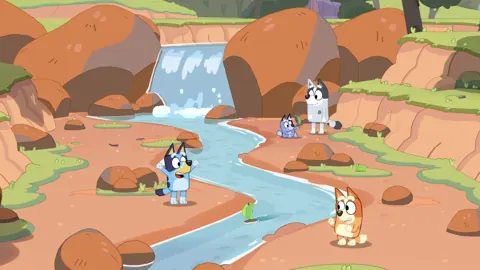 Bluey's Happy Snaps Download: PC and Console GuideFind your Bluey's Happy Snaps download on PC, PlayStation, Xbox, and Nintendo Switch. Compare editions, check PC specs, and get ready for family photo fun.
More in Platforms
Bluey's Happy Snaps Nintendo Switch 2: Buyer's Guide
Explore Bluey's Happy Snaps Nintendo Switch 2 features, price, local co-op, mouse controls, and editions. Find out what to know before your family plays.
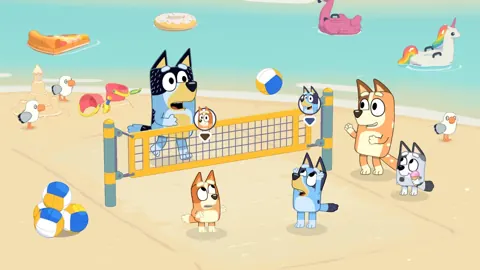
Bluey's Happy Snaps Nintendo Switch: A Family Guide
Explore Bluey's Happy Snaps Nintendo Switch with details on local co-op, Switch 2 features, editions, storage, and scrapbook tips for your family game.
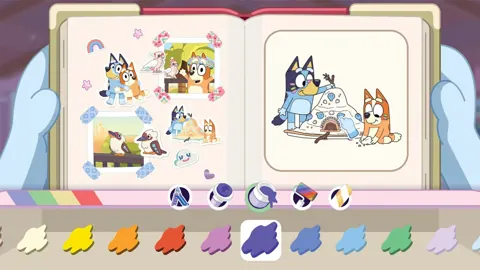
Bluey's Happy Snaps Platforms and Wishlist: Full Guide
Bluey's Happy Snaps platforms and wishlist guide: compare consoles and PC, explore editions, check Game Pass access, and choose where to buy or save it.
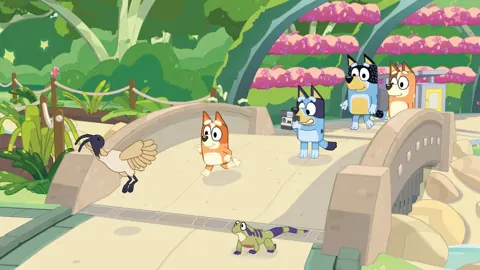
Bluey's Happy Snaps PS4: Release, Co-Op & Buying Guide
Play Bluey's Happy Snaps on PS4 with Bluey and Bingo. Check the digital release, local co-op, scrapbook activities, and family features before you buy.
Join the community
Official channels for news, updates and player help: