
Bluey's Happy Snaps Steam: PC Specs and Co-Op Guide
Bluey's Happy Snaps Steam guide covering PC requirements, local co-op, controller support, launch bonuses, and scrapbook tips. Get ready to play together.
Jump to
Is Bluey's Happy Snaps Available on Steam?
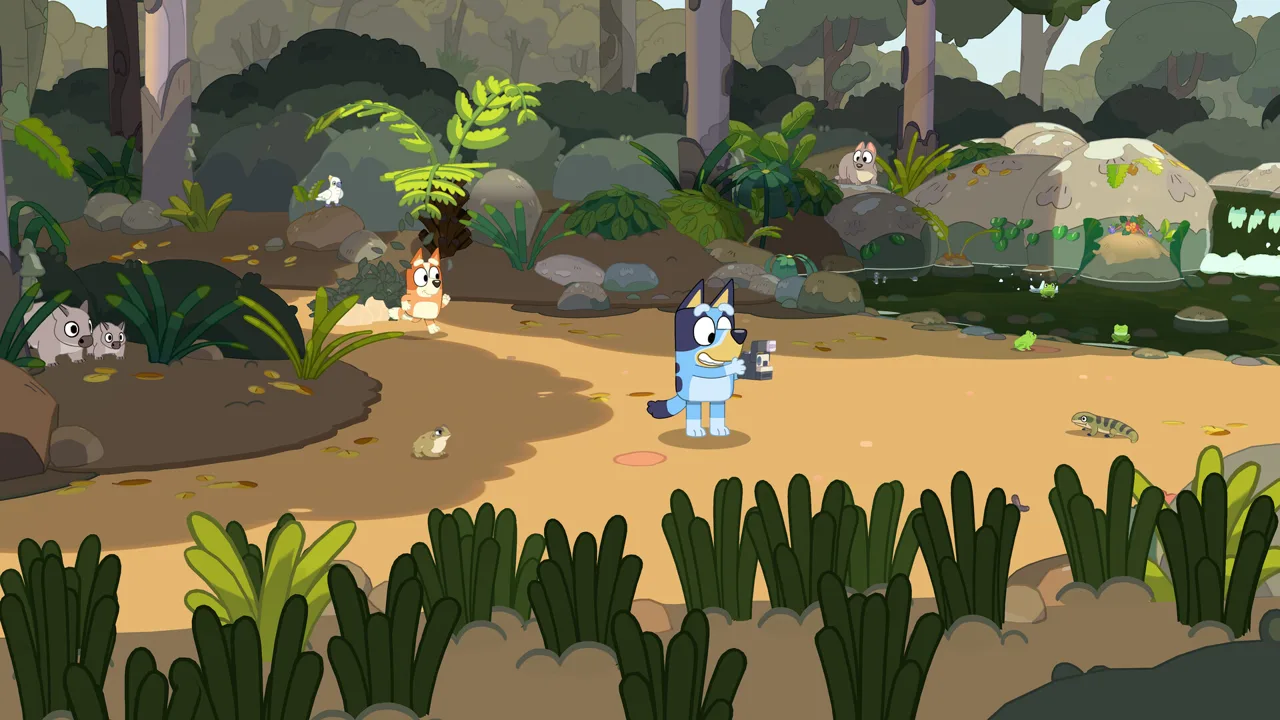
Dad’s old camera is ready for another outing: Bluey's Happy Snaps is available now on Steam for Windows PC. This Bluey's Happy Snaps Steam guide covers the details that matter before you buy, from hardware requirements to playing together on the same computer. Start your Bluey's Happy Snaps Steam adventure knowing how the camera, scrapbooks, and two-player activities fit together.
Developed by Gameloft Brisbane in collaboration with Ludo Studio and BBC Studios, the game follows Bluey and Bingo through familiar places around Brisbane. Photography connects the adventure: find something interesting, capture a moment, and build a scrapbook around your discoveries.
The announced launch date was October 15, 2026, while Steam displays October 14, 2026. As of October 16, the game is released.
| Steam version detail | What you get |
|---|---|
| Supported operating system | Windows; no native Mac or Linux version |
| Solo play | Single-player adventure |
| Playing together | Two-player local co-op |
| Controller features | Full controller support; gamepad recommended |
| Steam features | Achievements, Steam Cloud, and Family Sharing |
| Online multiplayer | No online play |
| In-game purchases | None |
Open the Bluey's Happy Snaps Steam page to check the current purchase options in your region. Review the edition contents before checkout, especially if you want the Grannies bonus content.
The PC release also extends beyond Steam, with Xbox on PC and Epic Games Store versions available. Xbox Play Anywhere applies to the Xbox version; keep that distinction in mind when choosing where to purchase.
Bluey's Happy Snaps Steam PC Requirements
Check your computer before handing the camera to the kids. The minimum requirements include a dedicated graphics card, and the recommended configuration moves up to 16 GB of RAM.
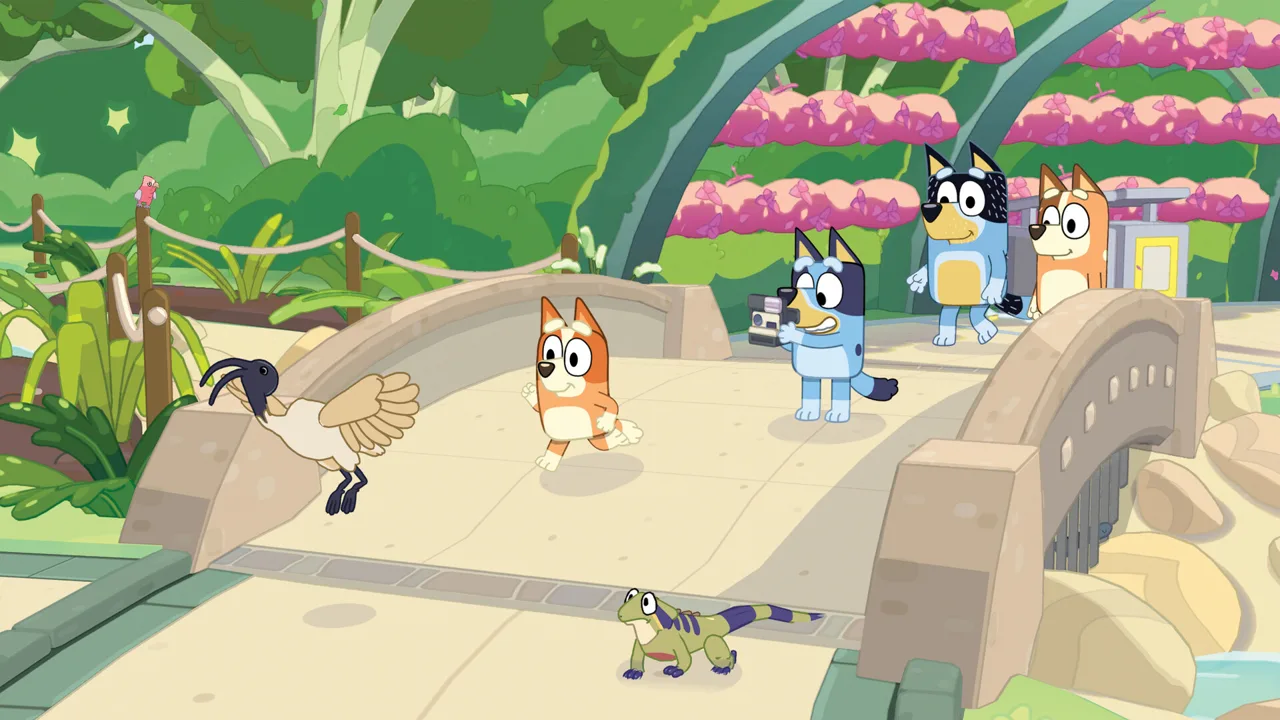 Image: Steam / Gameloft
Both hardware tiers require a 64-bit processor and operating system.
| Component | Minimum | Recommended |
|---|---|---|
| Operating system | Windows 11 or a valid compatibility layer | Windows 11 or a valid compatibility layer |
| AMD processor | Ryzen 5 1600X | Ryzen 5 3600X |
| Intel processor | Core i5-9400F | Core i5-10400 |
| Memory | 8 GB RAM | 16 GB RAM |
| AMD graphics | Radeon RX 6400 | Radeon RX 5700 XT |
| Nvidia graphics | GeForce GTX 1650 | GeForce RTX 3050 |
| Network | Broadband internet connection | Broadband internet connection |
Compare your processor, graphics card, and memory separately against these requirements. A computer having enough RAM does not tell you whether its graphics hardware meets the minimum.
For Bluey's Happy Snaps Steam players planning a family setup, connect your gamepad before settling everyone in. Full controller support and the gamepad recommendation make that a straightforward starting point for choosing your controls.
Steam Cloud is included, alongside achievements and Family Sharing. Use the Steam features that fit your household, and check the active Steam account before starting a session.
The Windows requirement also matters if you normally play on a Mac. There is no native macOS or Linux version. The compatibility-layer wording in the PC requirements does not change the native platform support.
An internet connection is required to download the planned additional voiceover update. The absence of online multiplayer does not remove that download requirement.
How Local Co-Op Works on PC
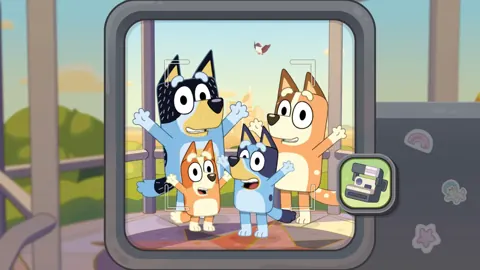
Bluey's Happy Snaps supports two players sharing the adventure locally as Bluey and Bingo. The roles give each player something different to do: the main player handles the camera and leads the adventure, while the second player explores, poses, and joins in with toys.
That division matters when deciding who takes which role. Photography drives the scrapbook activities, so assign the camera to whoever wants to follow clues and frame pictures.
| Part of the adventure | Main player | Second player |
|---|---|---|
| Camera | Controls photography | Can pose for pictures |
| Exploration | Leads the adventure | Explores alongside the main player |
| Toys | Can play with toys | Can join toy activities |
| Multiplayer connection | Shares the local session | Joins locally |
For a Bluey's Happy Snaps Steam session with a younger child, choose roles around the activities each person wants to try. Take the camera yourself if your child wants to run around and pose. Let your child handle photography if searching for animals and collecting pictures is the main attraction.
Use the environment as part of your shared play. Stop near interesting wildlife, explore the toys together, and turn a character encounter into a photo opportunity. The second player has room to participate beyond standing still for the next snapshot.
There is no online play, so plan this as time together at the same computer. Steam’s multiplayer category covers the shared adventure; the actual co-op experience is local.
The game also has no in-game purchases. Unlockable dress-ups and scrapbook decorations are part of its activities, while the Deluxe Edition has its own additional content package.
Camera Clues, Scrapbooks, and Places to Explore
The heart of the adventure is simple: explore a location, look for photo subjects, and use those discoveries to fill its scrapbook. The subjects range from wildlife and familiar characters to toys and games inspired by the show.

Your scrapbook helps direct the search. Select a sticker to hear a photo clue, then look around the area for the subject. Finding photos fills a progress meter; after enough discoveries, the family offers the next scrapbook and another place to explore.
| Activity | How it connects to your adventure |
|---|---|
| Follow photo clues | Use scrapbook stickers to hear what to look for |
| Photograph subjects | Collect pictures of wildlife, objects, characters, and activities |
| Complete special games | Take the finishing photo to earn a coloring page |
| Find enough photos | Fill the meter toward a new scrapbook |
| Decorate pages | Arrange photos and add stickers, stamps, tape, and color |
| Revisit locations | Return through the car to continue filling scrapbooks |
Follow the clues before moving on
Listen to a clue before searching the area. A named animal, toy, or landmark gives your next photo a purpose and helps keep the hunt manageable.
Photograph different kinds of subjects as you explore. The adventure includes Australian wildlife such as wallabies, bearded dragons, water dragons, and the ibises Bluey calls bin chickens.
Use familiar landmarks to orient yourself. South Bank brings the setting of “Ice Cream” into the adventure, while The Lookout connects to “The Sign.” The Park, Hammerbarn, the Heeler family home, and Camping provide more places to explore.
Finish the games as well as the photo hunt
Make time for the activities around each location. Shadowlands and Taxi appear at The Park, while other outings bring games involving bubbles, water, building, and pretend play.
Complete a special activity and take its finishing photo to collect the associated coloring page. These moments give your scrapbook something different from another animal or landmark picture.
Check your remaining clues before accepting the next outing. Progress toward another scrapbook does not mean you have found every photo in the current location. You can return later through the car to continue searching.
Make room for scrapbook decorating
The collecting feeds into a creative activity of its own. Arrange snapshots, add character and wildlife stickers, use stamps and washi tape, and color the pages.
Build a page around a theme: wildlife from one outing, funny character moments, or games you played together. Use the decorations to connect those pictures rather than trying to fill every bit of space.
For families considering Bluey's Happy Snaps Steam, the scrapbook gives the photography a lasting purpose within the game. Finding a subject becomes part of making a page your child can personalize.
The “Play for Real Life” activities extend those ideas beyond the screen. Try a suggested bubble-wand craft or a barky boat activity together, using the accompanying tips for grown-ups. Other ideas include cushion forts, cardboard creations, and backyard birdwatching.
Steam Editions, Launch Bonuses, and Languages
Check the edition contents before purchasing Bluey's Happy Snaps on Steam. The main difference is the additional Deluxe content, including the Grannies mode, extra outfits, and a digital album.
A limited-time Steam launch promotion was announced offering the Deluxe Edition for the Standard Edition price. Check the current purchase option before paying; the promotion is tied to a limited launch offer.
| Edition or offer | Included content |
|---|---|
| Standard Edition | Base game |
| Deluxe Edition | Base game, “Here Come the Grannies!” mode, extra dress-ups, and Digital Deluxe Album |
| Steam launch promotion | Announced Deluxe Edition at the Standard Edition price for a limited time |
| Activity Book Edition | Deluxe Edition contents, a 44-page activity book, and additional sticker sheets |
The Digital Deluxe Album includes artwork and a look at the game’s creation. The Grannies content is an extra game mode, while the dress-ups add more costume choices.
The Activity Book Edition combines the game package with physical activities. For a Steam purchase, check the digital edition contents directly rather than expecting a printed book with your download.
English audio and translated text
English voiceovers are available from release day. The game also has localized text throughout the adventure in Australian English, American English, German, Japanese, Castilian Spanish, Latin American Spanish, Brazilian Portuguese, Simplified Chinese, Traditional Chinese, French, and Italian.
Additional voiceovers are scheduled for a free update shortly after release. Those languages are Castilian Spanish, Latin American Spanish, French, German, Italian, Japanese, Brazilian Portuguese, and Mandarin. Downloading that update requires an internet connection.
Choose the text language your child reads most comfortably, and keep the launch audio options in mind when planning independent play.
For your first session, start with the photo clues, leave time for the special games, and let scrapbook decorating become part of the outing. There is room to spend time arranging stickers after the camera work is done.
FAQ
Does Bluey's Happy Snaps Steam have online co-op?
No. Bluey's Happy Snaps Steam supports two-player local co-op. One player controls the camera and leads the adventure, while the other explores, poses, and plays with toys alongside them.
Can I play Bluey's Happy Snaps with a controller on PC?
Yes. The Steam version has full controller support, and a gamepad is recommended. It also includes Steam Achievements, Steam Cloud, and Family Sharing.
Is the Grannies mode included with the Standard Edition?
“Here Come the Grannies!” is Deluxe Edition content. A limited-time Steam launch offer was announced making Deluxe available for the Standard Edition price. Check the edition shown at checkout for the contents you will receive.
How long does it take to complete Bluey's Happy Snaps?
Playtime depends heavily on the player’s age and familiarity with games. Experienced players can move through the activities more quickly, while younger players can spend hours exploring and searching for secrets. Follow the remaining scrapbook clues and revisit locations through the car to keep working toward completion.
Continue with
 Bluey's Happy Snaps System Requirements: Full PC SpecsCheck Bluey's Happy Snaps system requirements, compare minimum and recommended PC specs, and review storage, controls, and local co-op before you play.
More in Platforms
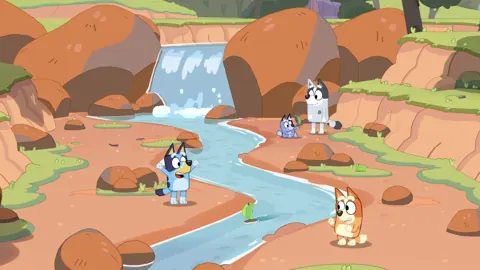
Bluey's Happy Snaps Download: PC and Console Guide
Find your Bluey's Happy Snaps download on PC, PlayStation, Xbox, and Nintendo Switch. Compare editions, check PC specs, and get ready for family photo fun.
Bluey's Happy Snaps Nintendo Switch 2: Buyer's Guide
Explore Bluey's Happy Snaps Nintendo Switch 2 features, price, local co-op, mouse controls, and editions. Find out what to know before your family plays.
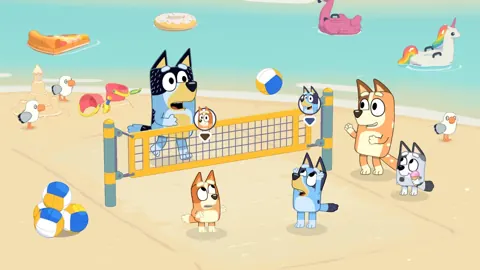
Bluey's Happy Snaps Nintendo Switch: A Family Guide
Explore Bluey's Happy Snaps Nintendo Switch with details on local co-op, Switch 2 features, editions, storage, and scrapbook tips for your family game.
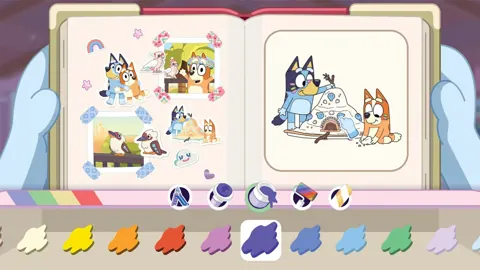
Bluey's Happy Snaps Platforms and Wishlist: Full Guide
Bluey's Happy Snaps platforms and wishlist guide: compare consoles and PC, explore editions, check Game Pass access, and choose where to buy or save it.
Join the community
Official channels for news, updates and player help: