
Bluey's Happy Snaps Platforms and Wishlist: Full Guide
Bluey's Happy Snaps platforms and wishlist guide: compare consoles and PC, explore editions, check Game Pass access, and choose where to buy or save it.
Jump to
Bluey's Happy Snaps Platforms: Where Can You Play?
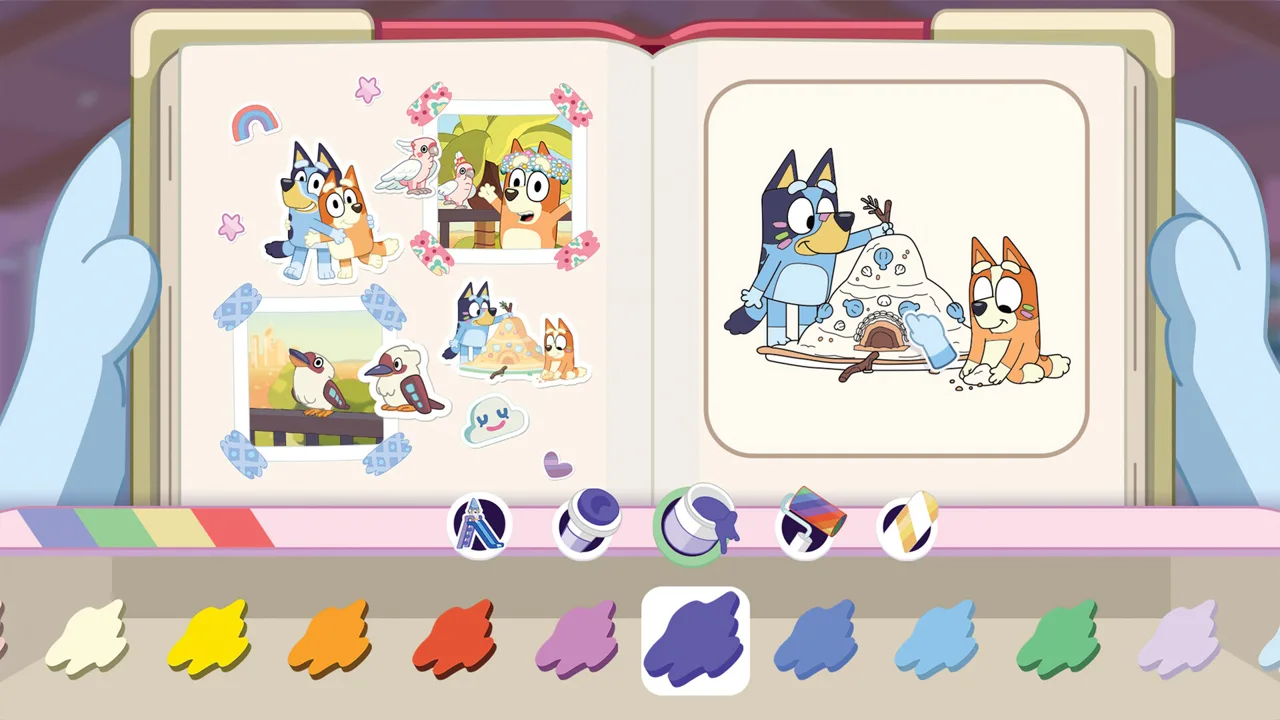
Dad’s old camera is ready, and sorting out Bluey's Happy Snaps platforms and wishlist options gets your family one step closer to exploring Brisbane. The game launched on October 15, 2026, for PS4, PS5, Xbox One, Xbox Series X|S, Nintendo Switch, Nintendo Switch 2, and Windows PC. This Bluey's Happy Snaps platforms and wishlist guide covers where to play, how to keep it on your shopping radar, and which purchase details deserve a closer look.
You can play alone or share the adventure locally with a second player. On PC, you have Steam, Epic Games Store, and Xbox on PC options. Xbox Game Pass inclusion and Xbox Play Anywhere support also give Xbox players more to consider before buying a separate copy.
| Platform | Digital release | Purchase or access option |
|---|---|---|
| PlayStation 4 | Available | Digital purchase |
| PlayStation 5 | Available | Digital purchase; physical edition in select markets |
| Xbox One | Available | Digital purchase; physical edition in select markets |
| Xbox Series X|S | Available | Digital purchase; Xbox Game Pass inclusion |
| Nintendo Switch | Available | Digital purchase; physical edition in select markets |
| Nintendo Switch 2 | Available | Digital purchase; physical edition in select markets |
| Windows PC | Available | Steam, Epic Games Store, and Xbox on PC |
Having both Switch generations and both PlayStation generations in the lineup means you can start by checking the hardware already in your home. For PC players, the next decision is which storefront’s features you want attached to your purchase.
Keep Bluey's Happy Snaps platforms and wishlist decisions tied to the version you intend to play.
Wishlist or Buy: Your Options After Launch
Bluey's Happy Snaps platforms and wishlist searches can still turn up preorder messaging, but the game is already released. You can buy it now or keep it wishlisted for a later purchase.
 Image: Steam / Gameloft
Wishlisting is useful if you are planning a gift, comparing editions, or simply saving the game for another time.
For PC, the Bluey's Happy Snaps Steam page and Bluey's Happy Snaps Epic Games Store page give you direct places to buy or wishlist the game. The Bluey's Happy Snaps official website also brings together the game’s edition information.
| Route | What you can do | Relevant feature |
|---|---|---|
| Steam | Buy or wishlist the PC release | Full controller support, achievements, Steam Cloud, and Family Sharing |
| Epic Games Store | Buy or wishlist the PC release | Standard and Deluxe editions |
| Xbox on PC | Access the Windows release through Xbox | Xbox Play Anywhere support |
| Xbox Game Pass | Play through the subscription offering | The game is included with Xbox Game Pass |
| Official game website | Review editions before choosing a purchase | Digital and physical edition information |
Check Game Pass Before Purchasing
If you already subscribe to Xbox Game Pass, check your access before buying the game separately. Its inclusion gives you another route into Bluey and Bingo’s adventure.
Xbox Play Anywhere support also matters when comparing an Xbox purchase with a PC purchase. Keep that feature attached to the Xbox version in your decision; Steam and Epic remain separate storefront options.
Wishlist the Edition You Actually Want
Look beyond the game’s name when comparing purchase buttons. Standard and Deluxe versions carry different content, and the Activity Book Edition adds physical activities.
Before checkout, compare the edition name, included extras, and final price. That is especially useful around launch promotions, when the price difference between editions can change.
Standard, Deluxe, and Physical Editions Explained
The next part of Bluey's Happy Snaps platforms and wishlist planning is choosing what comes with your copy. The core game centers on exploring, taking photos, and decorating scrapbooks, while the larger editions add digital extras or activities away from the screen.
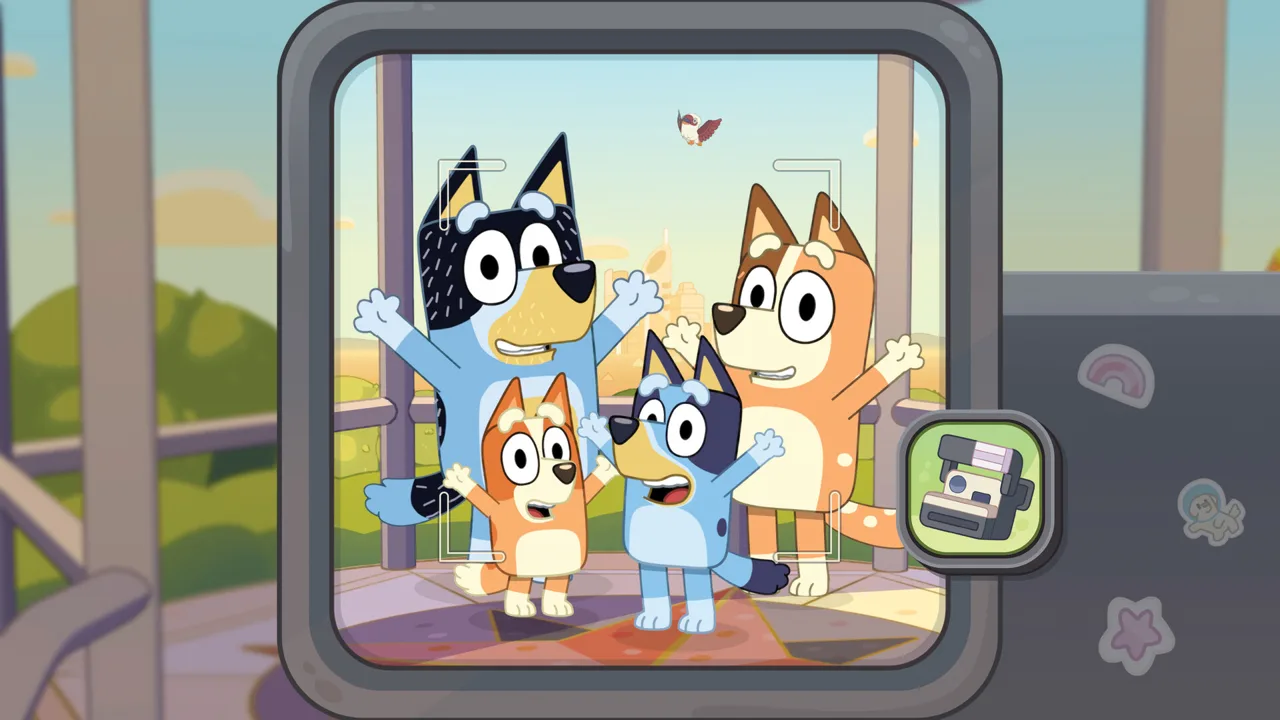 Image: Steam / Gameloft
Epic Games Store prices are $39.99 for the base game and $54.99 for Deluxe. Those are the Epic prices shown for these editions; keep your chosen platform’s checkout price in view when comparing purchases.
| Edition | Included content | Price or purchase detail |
|---|---|---|
| Standard | Base game | $39.99 on Epic Games Store |
| Deluxe | Base game, “Here Come the Grannies” bonus content, extra dress-ups, and a digital deluxe album | $54.99 on Epic Games Store |
| Activity Book Edition | Deluxe Edition, a 44-page activity book, and two extra sticker sheets | Physical package with drawing pages and simple activities |
The Deluxe album includes artwork and a look behind the making of the game. The extra dress-ups expand the costume options, while the Grannies content adds another reason to compare Deluxe with Standard.
A limited-time digital launch promotion offered Deluxe at the Standard price. Check the current edition and total before paying rather than assuming an earlier promotional message still applies.
Physical Release Dates Depend on the Market
Physical versions were announced for October 15 in select markets across PS5, Xbox One, Xbox Series X|S, Nintendo Switch, and Nintendo Switch 2.
Japan, Southeast Asia, Hong Kong, and Taiwan have a different physical schedule: digital editions launched October 15, while SEGA-distributed physical editions release November 26, 2026. That distinction matters if you are buying a boxed copy as a dated birthday or holiday gift.
For PS4, the announced release is digital. Match the platform name on the product to the console you plan to use.
Xbox physical buyers also have a packaging correction to know: HDR10 is not supported, despite the feature appearing on the box. Leave HDR10 out of your reasons for choosing that version.
PC Requirements and Storefront Features
For Windows players, Bluey's Happy Snaps platforms and wishlist choices should begin with the system requirements. The PC release targets Windows 11, with a valid compatibility layer also mentioned in the requirements. Steam identifies Windows support rather than native macOS or Linux versions.
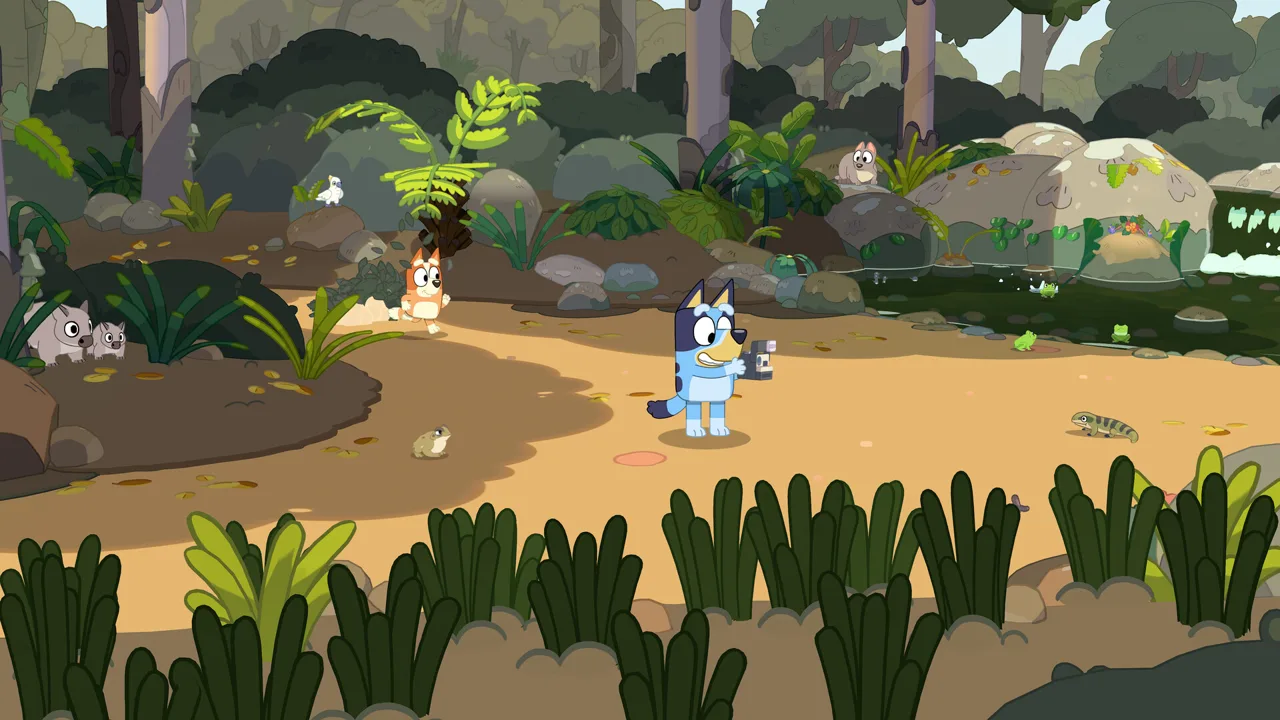 Image: Steam / Gameloft
Compare your processor, graphics card, and memory with the requirements before purchasing. The recommended configuration raises both the graphics hardware and RAM above the minimum.
| Component | Minimum | Recommended |
|---|---|---|
| Operating system | Windows 11 or valid compatibility layer | Windows 11 or valid compatibility layer |
| Processor | AMD Ryzen 5 1600X / Intel Core i5-9400F | AMD Ryzen 5 3600X / Intel Core i5-10400 |
| Memory | 8 GB RAM | 16 GB RAM |
| Graphics | AMD Radeon RX 6400 / Nvidia GeForce GTX 1650 | AMD Radeon RX 5700 XT / Nvidia GeForce RTX 3050 |
| DirectX on Epic | DirectX 11 | DirectX 12 |
| Storage on Epic | 5 GB | 8 GB |
Use the recommended 8 GB storage figure when preparing space for the Epic version. Check the rest of your hardware alongside storage; having enough room alone does not cover the processor, memory, or graphics requirements.
Controller Support and Steam Features
Steam supports full controller input and identifies a gamepad as recommended. If you plan to play with a controller, include that in your setup before gathering everyone around the screen.
Steam also supports achievements, Steam Cloud, and Family Sharing. Those features give you concrete points to compare when deciding where to keep the PC version.
Do not read a general multiplayer label as an invitation to play online. The shared adventure is local, and the game has no online play.
What Families Get on the Supported Platforms
Bluey's Happy Snaps platforms and wishlist decisions become easier when you know what the family will actually be doing. Bluey and Bingo find Dad’s old camera, then use it to capture games, wildlife, friends, and surprising moments around familiar locations.
The adventure includes the Heeler home, South Bank, The Lookout, Hammerbarn, and the park. Photography connects these outings to the scrapbook: pictures unlock stickers inspired by the characters, animals, and activities you encounter.
Scrapbook customization includes photos, stamps, decorative tape, and coloring pages. Costumes provide another collectible element as you explore.
Two Players, Different Roles
Local co-op supports two players as Bluey and Bingo. The main player leads from behind the camera, while the second player explores, poses, and joins in with toys.
Use those roles when planning a shared session. Take charge of the camera while another player poses, then look for toys you can enjoy together. The photography setup gives the second player something playful to do inside the scene.
There are no in-game purchases and no online play. Separately sold editions still have different included content, so compare those packages before buying.
Language Options and Updates
American English text and full English voiceovers are available at launch. Text support also includes Australian English, German, Japanese, Castilian Spanish, Latin American Spanish, Brazilian Portuguese, Simplified Chinese, Traditional Chinese, French, and Italian.
Additional voiceovers are scheduled through a free post-launch update, including Spanish, French, German, Italian, Japanese, Brazilian Portuguese, and Mandarin. Downloading that update requires an internet connection.
PlayStation’s launch language availability includes English, Latin American Spanish, French, and Brazilian Portuguese. Check the language options for your chosen platform when preparing the game for a younger player.
The game also includes “Play for Real Life” activity ideas. Carry a favorite idea beyond the screen by building a cushion fort, creating something from cardboard boxes, or looking for birds outside. The Activity Book Edition adds another way to continue with drawing and simple activities.
FAQ
Which Bluey's Happy Snaps platforms and wishlist options are available on PC?
The game is available on Windows PC through Steam, Epic Games Store, and Xbox on PC. Steam and Epic offer wishlist options. Steam also includes full controller support, achievements, Steam Cloud, and Family Sharing.
Is Bluey's Happy Snaps on Xbox Game Pass?
Yes. Bluey's Happy Snaps is included with Xbox Game Pass and supports Xbox Play Anywhere. Check your subscription access before purchasing a separate Xbox copy.
Can two people play Bluey's Happy Snaps together online?
Two people can play together locally as Bluey and Bingo. One player leads behind the camera while the other explores and poses. The game has no online play.
Does Bluey's Happy Snaps have physical editions?
Yes. Physical editions were announced for PS5, Xbox One, Xbox Series X|S, Nintendo Switch, and Nintendo Switch 2 in select markets. Physical releases distributed by SEGA in Japan, Southeast Asia, Hong Kong, and Taiwan arrive November 26, 2026; digital versions launched October 15.
Continue with
 Bluey's Happy Snaps PS4: Release, Co-Op & Buying GuidePlay Bluey's Happy Snaps on PS4 with Bluey and Bingo. Check the digital release, local co-op, scrapbook activities, and family features before you buy.
More in Platforms

Bluey's Happy Snaps Download: PC and Console Guide
Find your Bluey's Happy Snaps download on PC, PlayStation, Xbox, and Nintendo Switch. Compare editions, check PC specs, and get ready for family photo fun.
Bluey's Happy Snaps Nintendo Switch 2: Buyer's Guide
Explore Bluey's Happy Snaps Nintendo Switch 2 features, price, local co-op, mouse controls, and editions. Find out what to know before your family plays.

Bluey's Happy Snaps Nintendo Switch: A Family Guide
Explore Bluey's Happy Snaps Nintendo Switch with details on local co-op, Switch 2 features, editions, storage, and scrapbook tips for your family game.

Bluey's Happy Snaps PS5: Price, Co-Op & Buying Guide
Bluey's Happy Snaps PS5 is out now. Compare editions, check prices, explore local co-op, and get practical tips for photos, scrapbooks, and family play.
Join the community
Official channels for news, updates and player help: