Bluey's Happy Snaps Xbox Game Pass: Access, Plans & Co-Op
Bluey's Happy Snaps Xbox Game Pass guide: compare console, PC, and cloud access, check prices, and explore local co-op before playing with Bluey and Bingo.
Jump to
Is Bluey's Happy Snaps on Xbox Game Pass?
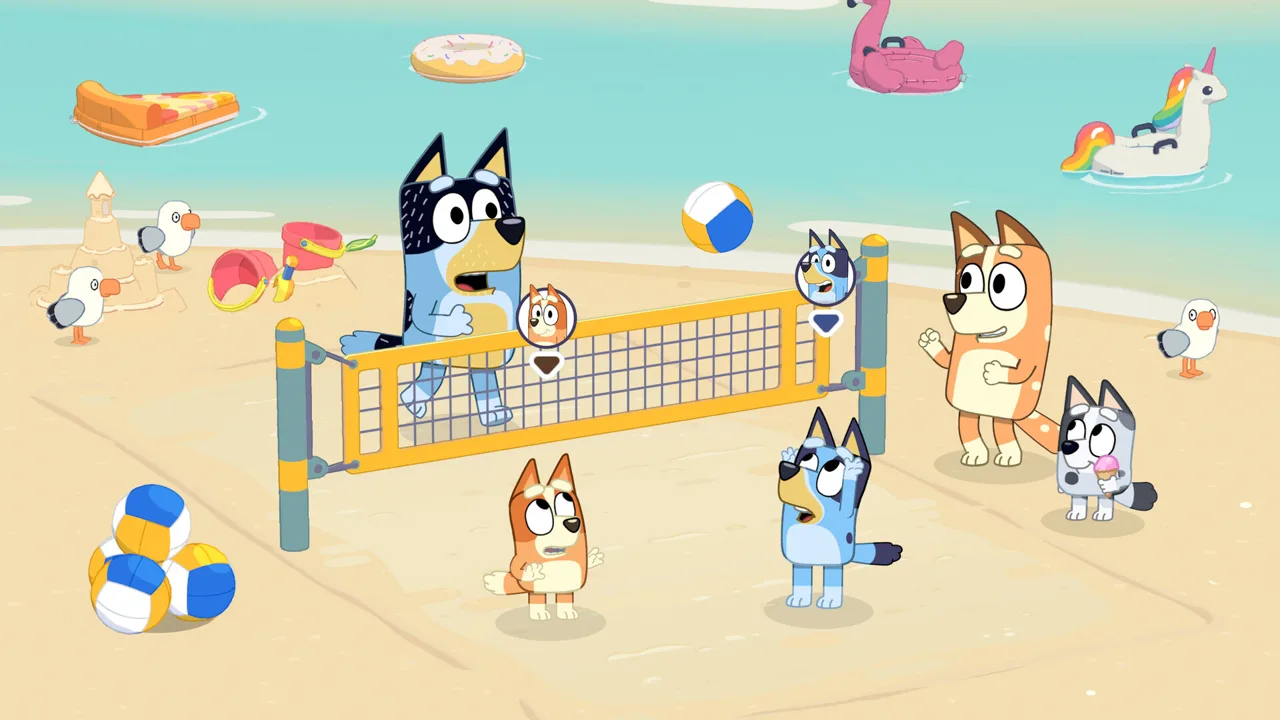
Bluey's Happy Snaps Xbox Game Pass access lets eligible subscribers join Bluey and Bingo’s photography adventure without buying the base game separately. The game launched on October 15, 2026, with day-one availability through Game Pass Ultimate and PC Game Pass. This Bluey's Happy Snaps Xbox Game Pass guide explains which subscription covers your device, how cloud access works, and what families get before picking up a controller.
The adventure starts with Dad’s old camera. From there, you explore familiar places around Brisbane, photograph wildlife and friends, and turn your favorite moments into a scrapbook. You can play alone or share the adventure with a second player through local co-op.
The subscription distinction matters because console access, PC access, and cloud streaming have different requirements.
| Subscription | Access covered here | Separate game purchase |
|---|---|---|
| Game Pass Ultimate | Included game access on Xbox consoles and PC, plus Xbox Cloud Gaming | Not required for the included base game |
| PC Game Pass | Included PC game access | Not required for the included PC game |
| Game Pass Essential or Premium | Cloud streaming of the purchased game | Required to stream this title |
For Bluey's Happy Snaps Xbox Game Pass access on Xbox One or Xbox Series X|S, choose Ultimate. For a Windows PC download, PC Game Pass also includes the game.
Keep the subscription active to continue using subscription access. Buying the game is a separate option if you prefer a purchased copy.
Xbox, PC, and Cloud: Choose Your Way to Play
Bluey’s Happy Snaps supports Xbox One, Xbox Series X|S, PC, and Xbox Cloud Gaming. That gives you several ways to explore the Heeler family’s world, but your subscription and device still need to match.
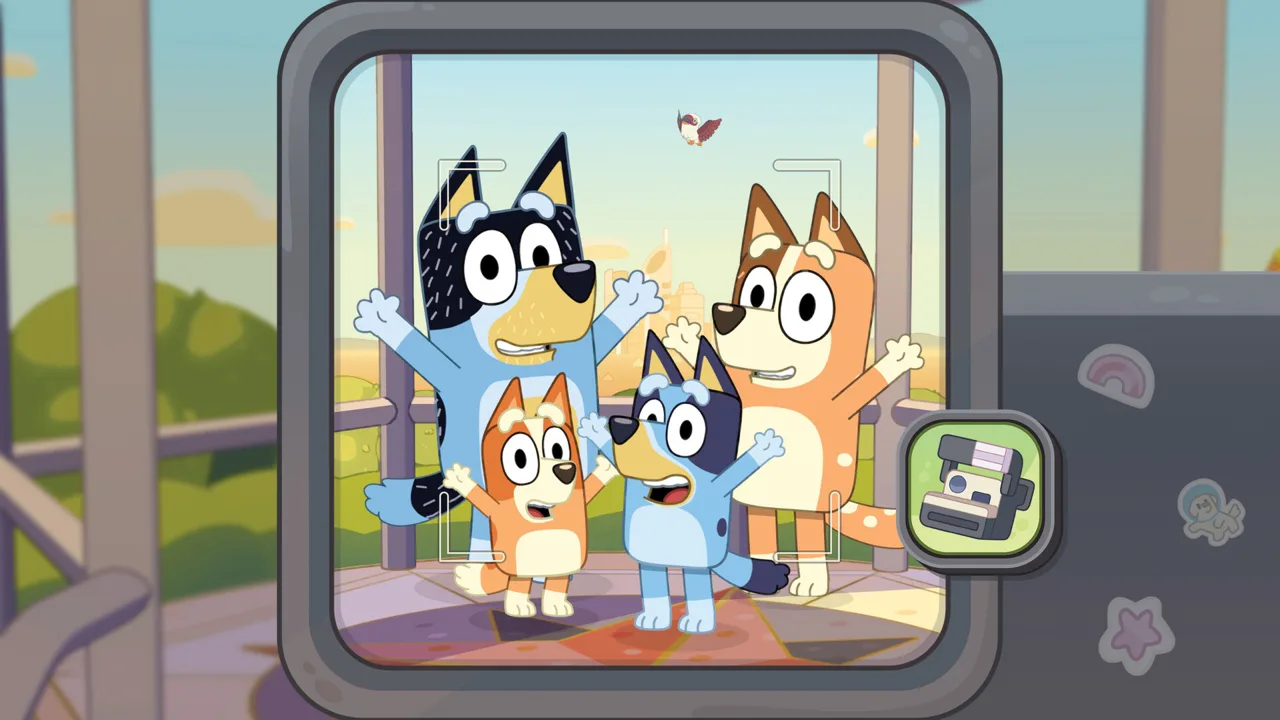 Image: Steam / Gameloft
| Platform or feature | Supported details |
|---|---|
| Xbox One | Playable on the console |
| Xbox Series X | S |
| PC | Available through Xbox on PC and separate PC storefronts |
| Xbox Cloud Gaming | Included with Ultimate; purchase required for streaming with Essential or Premium |
| Smart Delivery | Supported |
| Xbox Play Anywhere | Supported |
| Xbox cloud saves | Supported |
| Xbox achievements | Supported |
Playing on Xbox One or Xbox Series X|S
Both Xbox console generations are supported, so Xbox One owners can join the adventure alongside players using newer hardware. Xbox Series X|S optimization and Smart Delivery are also included among the game’s features.
One detail matters if you are comparing physical copies: HDR10 is not supported, despite incorrect HDR10 information printed on Xbox packaging. Keep that correction in mind when checking the game’s display features.
Playing on PC
PC Game Pass provides another route into the adventure without purchasing the PC base game separately. Ultimate includes PC access as well.
Choose the Xbox PC version when using your Game Pass subscription. A separate Steam purchase is a different way to buy the game; a Steam product page is not the download route for your PC Game Pass entitlement.
For Bluey's Happy Snaps Xbox Game Pass players moving between available Xbox devices and PC, the supported Xbox features include Play Anywhere and cloud saves.
Playing through the cloud
Ultimate includes the cloud-playable game. Essential and Premium require you to purchase Bluey’s Happy Snaps before streaming it.
Cloud streaming and online multiplayer are separate features. Streaming lets you access the game through Xbox Cloud Gaming; it does not add an online co-op mode.
Open the Bluey’s Happy Snaps Xbox game page to choose the purchase or subscription option that matches how you plan to play.
Game Pass Access, Prices, and Edition Differences
The standard game and Deluxe Edition are separate products. The U.S. Xbox prices captured at launch are $39.99 for the standard game and $54.99 for Deluxe.
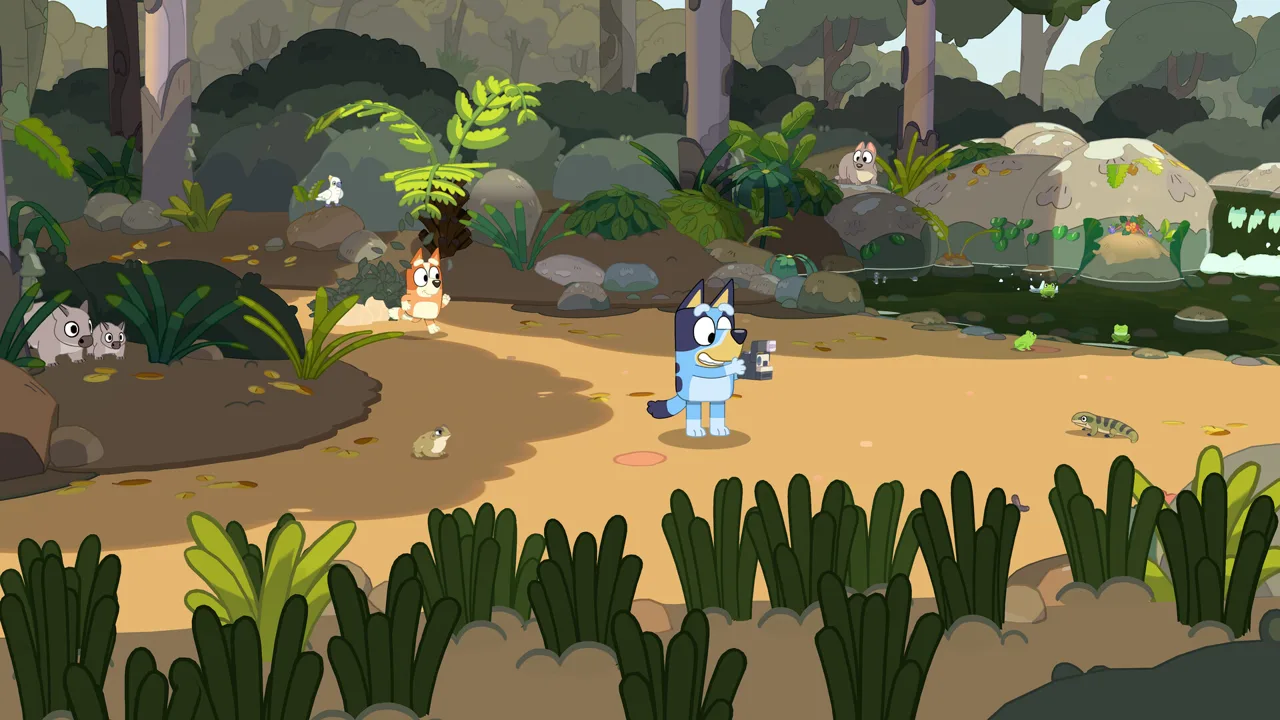 Image: Steam / Gameloft
Game Pass includes the base game. Deluxe adds bonus content, while the Activity Book Edition combines Deluxe content with physical activities.
| Edition or access option | Included content | U.S. Xbox price |
|---|---|---|
| Standard Edition | Base game | $39.99 |
| Deluxe Edition | Base game, “Here Come the Grannies!” content, extra dress-up costumes, and Digital Deluxe Album | $54.99 |
| Activity Book Edition | Deluxe Edition content, a 44-page activity book, and additional sticker materials | — |
| Eligible Game Pass access | Base game through Ultimate or PC Game Pass | Included with the applicable subscription |
The main adventure already includes exploration, photography, scrapbook customization, unlockable costumes, and local two-player play. Deluxe adds the Grannies content and additional extras.
For Bluey's Happy Snaps Xbox Game Pass access, start with the included base game before deciding whether the extra content interests your family. Take photos, explore the locations, and try sharing the adventure before spending money on another edition.
What about the launch promotion?
A limited-time digital purchase promotion offers the Deluxe Edition at the standard edition’s price. That promotion concerns qualifying purchases; subscription access is a separate way to play.
Check the edition name and included items before completing a purchase. If you want the Grannies content, look for the Deluxe package and its extras rather than choosing by cover art alone.
Are there in-game purchases?
Bluey’s Happy Snaps has no in-game purchases. Costumes, stickers, and scrapbook activities are part of its play and collection systems, while Deluxe content is offered separately as an edition or add-on package.
That distinction is useful for parents: arranging stickers and dressing up Bluey and Bingo are activities within the adventure, while choosing Deluxe is a purchase decision outside that everyday gameplay.
What You Actually Do in Bluey’s Happy Snaps
Photography gives the adventure its focus, but there is more to explore than a sequence of photo opportunities. You roam familiar environments, interact with toys, meet Bluey’s friends, and play games inspired by the show.
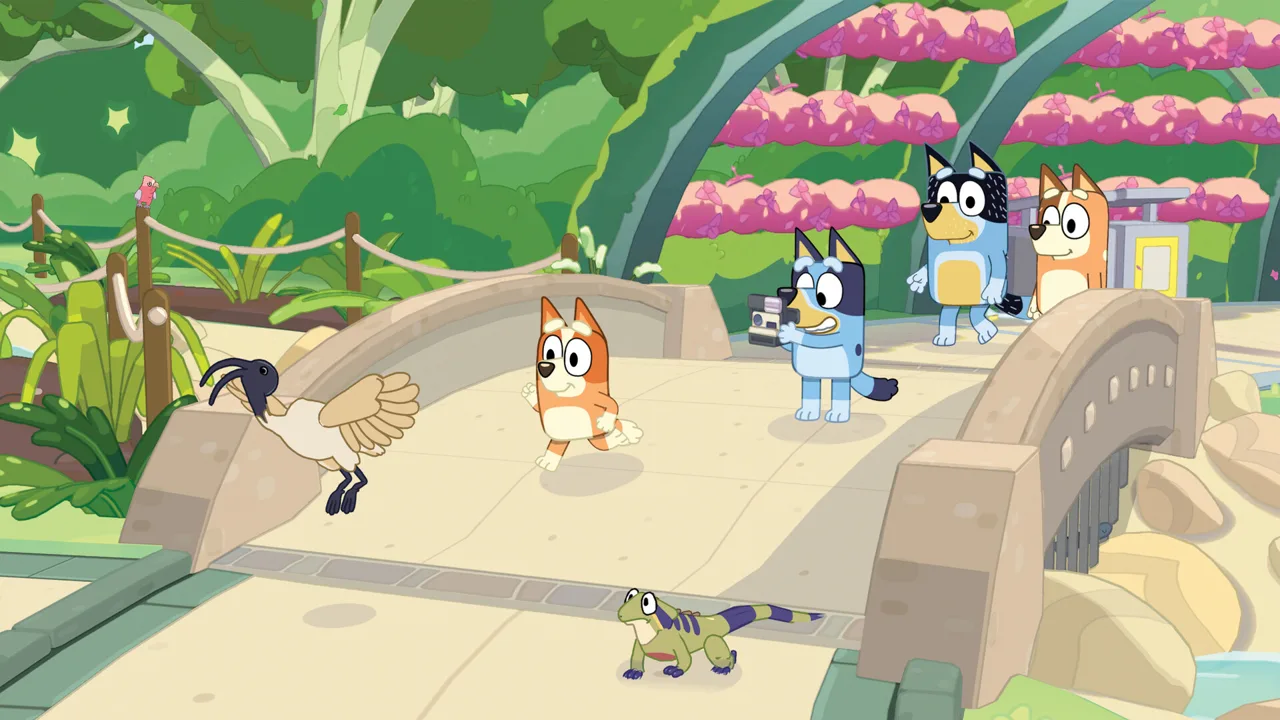 Image: Steam / Gameloft
Dad’s camera records your discoveries. Snapshots go into your scrapbook, and photos unlock stickers inspired by the characters, wildlife, and activities you encounter.
| Location | Connection or activity |
|---|---|
| Heeler family home | Explore the family’s home and interact with familiar surroundings |
| South Bank | Encounter wildlife and chase bin chickens; featured in “Ice Cream” |
| The Park | Visit the setting associated with “Spy Game” |
| The Lookout | Explore a location featured in “The Sign” |
| Hammerbarn | Visit another recognizable place from Bluey’s world |
| Camping | Encounter Socks, who also appears at South Bank and The Lookout |
Friends including Muffin, Chloe, Winton, and Lucky appear throughout the adventure. Games such as Shadowlands and Magic Cauldron bring recognizable play ideas into the environments.
For Bluey's Happy Snaps Xbox Game Pass subscribers, the included adventure offers several connected activities to explore:
- Photograph different subjects. Capture characters, Australian wildlife, games, and unexpected moments.
- Personalize your scrapbook. Arrange snapshots and decorate pages with stickers, stamps, washi tape, and coloring activities.
- Experiment with dress-ups. Use costumes unlocked during the adventure to change Bluey and Bingo’s appearance.
- Interact with toys and friends. Make time for the activities around you while exploring each location.
Make the scrapbook part of the fun
Spend time arranging the photos you enjoy. The scrapbook supports creative choices through painting, decorations, and page layouts, giving your pictures a place beyond the moment you take them.
Try grouping wildlife pictures together or building a page around a favorite character. Those are ways to use the scrapbook’s customization tools, without turning every outing into a race toward completion.
Explore at your own pace
The game is designed around accessible, open-ended play for young children. Completion time depends heavily on the player’s age and how much time they spend exploring and experimenting.
Let younger players stop for toys, repeat activities, and choose their own photo subjects. An experienced adult can move through tasks much faster, but those detours are part of what the adventure offers.
Local Co-Op and Features for Family Play
Bluey’s Happy Snaps supports two-player local co-op and single-player play. One player leads the adventure behind the camera, while the second can explore, pose for pictures, and join activities.
There is no online multiplayer. Plan your shared adventure around playing together locally.
For Bluey's Happy Snaps Xbox Game Pass families, this gives a parent, sibling, or another nearby player an active role in the same adventure. The camera player and the second player have different ways to participate, so talk through who wants to photograph and who wants to pose.
Try these ideas when playing together:
- Ask the second player to choose a photo spot, then frame the picture.
- Explore the toys together instead of focusing entirely on photography.
- Let each player suggest pictures for the scrapbook.
- Use the game’s real-life activity ideas to continue playing away from the screen.
Take the activities beyond the screen
The Play for Real Life feature introduces ideas using everyday objects and surroundings. Cushion forts, cardboard creations, backyard birdwatching, and imaginative toy play all connect to the game’s emphasis on discovery.
Pick an activity that matches something your child enjoyed in the adventure. After photographing wildlife, try spotting birds outdoors. After experimenting with toys, bring out familiar toys and invent another scene together.
Language and age information
The game is rated E for Everyone. English voice acting is available from launch, and the text options include both U.S. and Australian English alongside French, German, Italian, Japanese, two Spanish variants, Brazilian Portuguese, and Simplified and Traditional Chinese.
Additional localized voiceovers are scheduled through a free update after release. Downloading that update requires an internet connection.
Choose the text language your child reads most comfortably, and join locally when they want help navigating the adventure or making pictures.
FAQ
Is Bluey's Happy Snaps Xbox Game Pass access available on launch day?
Yes. Bluey’s Happy Snaps launched on October 15, 2026, with day-one availability through Game Pass Ultimate and PC Game Pass. Ultimate includes console, PC, and cloud access; PC Game Pass covers PC access.
Can I play Bluey’s Happy Snaps on Xbox One?
Yes. The game supports Xbox One and Xbox Series X|S. It also supports Smart Delivery, Xbox achievements, Xbox cloud saves, and Xbox Play Anywhere.
Does Game Pass include the Deluxe Edition?
Game Pass includes the base game. Deluxe is a separate package containing the Grannies bonus content, extra dress-up costumes, and a Digital Deluxe Album. A limited-time digital purchase promotion also offers Deluxe at the standard edition’s price for qualifying purchases.
Can two people play Bluey’s Happy Snaps together?
Yes. Two players can share the adventure through local co-op. The main player handles the camera while the second player explores, poses, and joins activities. The game has no online multiplayer.
Continue with
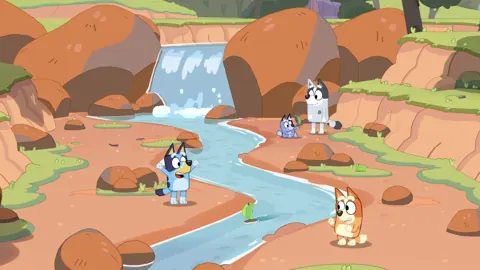 Bluey's Happy Snaps Xbox: Game Pass, Co-Op, and PricePlay Bluey's Happy Snaps on Xbox One or Series X|S. Check Game Pass access, prices, editions, and local co-op before touring Brisbane with Bluey and Bingo.
More in Platforms
Bluey's Happy Snaps Download: PC and Console Guide
Find your Bluey's Happy Snaps download on PC, PlayStation, Xbox, and Nintendo Switch. Compare editions, check PC specs, and get ready for family photo fun.
Bluey's Happy Snaps Nintendo Switch 2: Buyer's Guide
Explore Bluey's Happy Snaps Nintendo Switch 2 features, price, local co-op, mouse controls, and editions. Find out what to know before your family plays.
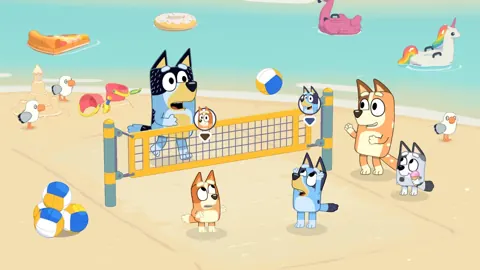
Bluey's Happy Snaps Nintendo Switch: A Family Guide
Explore Bluey's Happy Snaps Nintendo Switch with details on local co-op, Switch 2 features, editions, storage, and scrapbook tips for your family game.
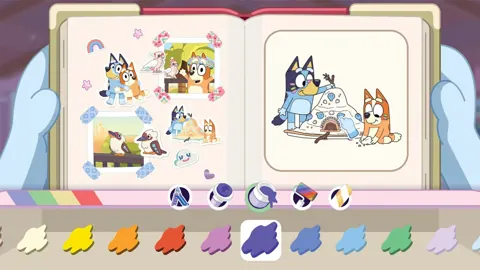
Bluey's Happy Snaps Platforms and Wishlist: Full Guide
Bluey's Happy Snaps platforms and wishlist guide: compare consoles and PC, explore editions, check Game Pass access, and choose where to buy or save it.
Join the community
Official channels for news, updates and player help: