Bluey's Happy Snaps PS4: Release, Co-Op & Buying Guide
Play Bluey's Happy Snaps on PS4 with Bluey and Bingo. Check the digital release, local co-op, scrapbook activities, and family features before you buy.
Jump to
Is Bluey's Happy Snaps Available on PS4?
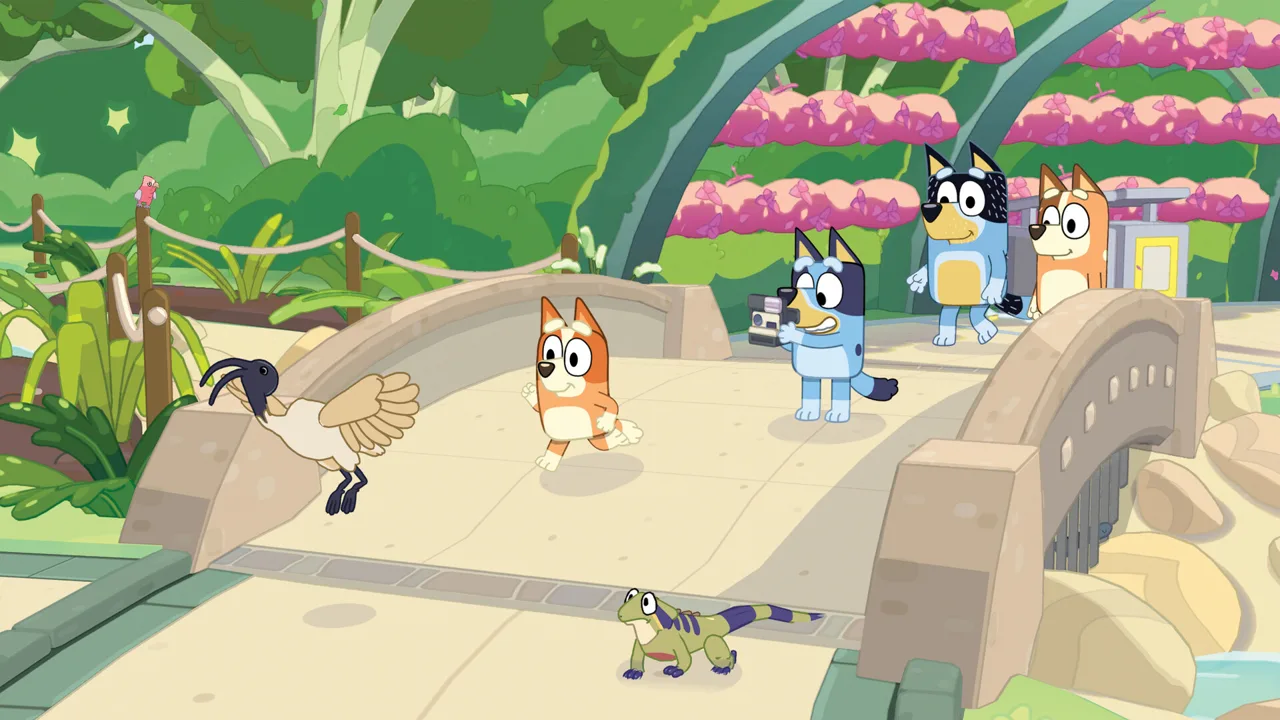
Dad’s old camera has a new adventure waiting: Bluey's Happy Snaps PS4 launched digitally on October 15, 2026. That means your family can explore with Bluey and Bingo on a PlayStation 4 you already own. Bluey's Happy Snaps PS4 combines photography, familiar places, and local two-player fun, with no online play or in-game purchases.
The important buying detail is the format. PS4 has a digital release, while the physical console lineup includes PS5, Xbox One, Xbox Series X|S, Nintendo Switch, and Nintendo Switch 2 in select markets. If you’re shopping for a boxed gift, keep that distinction in mind before choosing a copy.
| PS4 detail | What you need to know |
|---|---|
| Release date | October 15, 2026 |
| Release format | Digital |
| Developer | Gameloft Brisbane |
| Main activity | Explore, take photos, and decorate scrapbooks |
| Player options | Solo play and local two-player participation |
| Online play | None |
| In-game purchases | None |
| U.S. age rating | E for Everyone |
Some physical editions carry additional items, but those packages belong to their supported platforms. A PS5 box is a different purchase from the PS4 digital version.
For Bluey's Happy Snaps PS4, check the platform and edition before paying. Read the included-content details, especially if the Grannies extras are part of the appeal. You can visit the Bluey's Happy Snaps official website to explore the game and its editions.
The adventure begins with a simple discovery: Bluey and Bingo find Bandit’s old camera. From there, taking pictures gives their outings a purpose, and the scrapbook gives those pictures a place to live. Familiar characters, wildlife, toys, and little surprises provide plenty of subjects along the way.
Official page: Bluey's Happy Snaps (blueyshappysnapsgame.com)
What You Do in Bluey's Happy Snaps PS4
Photography connects the different parts of the game. You explore locations, interact with the world, photograph what catches your attention, and add memories to scrapbooks. Stickers, decorations, and coloring pages give you more ways to make those books your own.
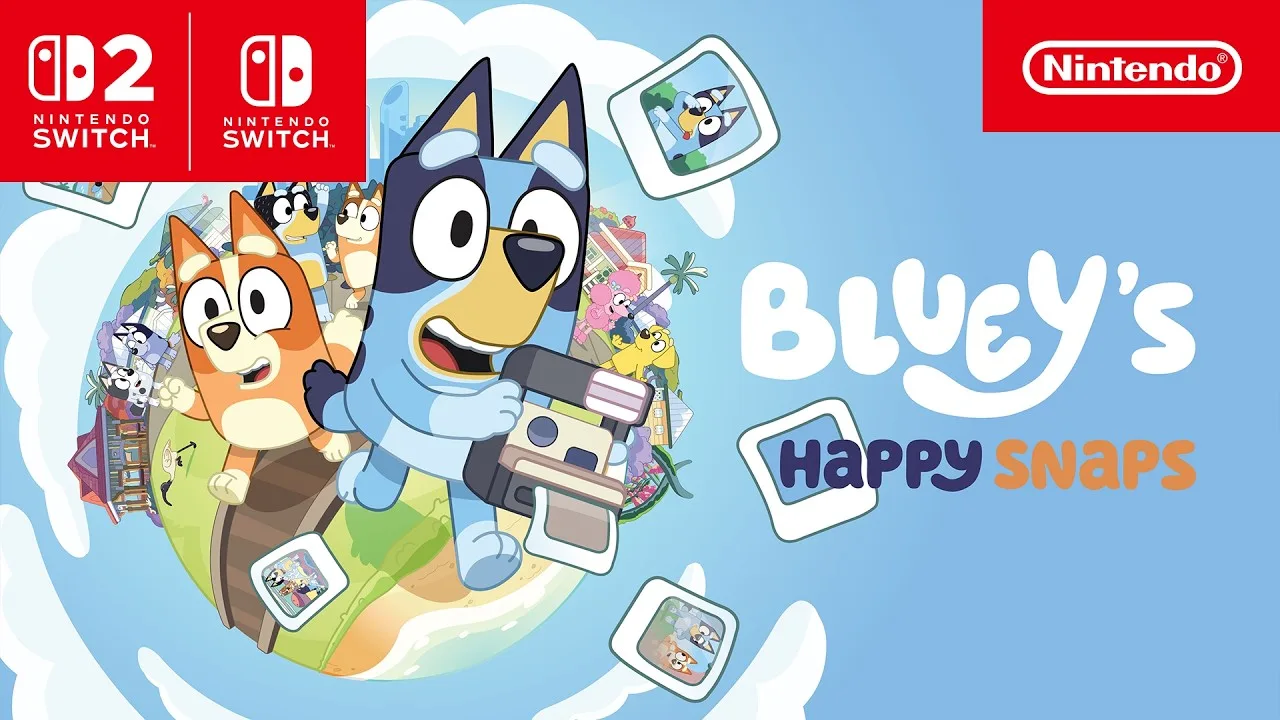
The adventure starts at the Heeler home. Its rooms contain surprises, and scrapbooks found around the house let you visit other places. Each destination has its own scrapbook to fill, alongside a personal scrapbook you can customize.
That structure gives an outing a recognizable rhythm: arrive somewhere familiar, see what’s happening, take pictures, and spend time arranging the results. There are also toys to play with and characters to meet, so the camera sits within a broader play space.
| Place | What to explore or photograph |
|---|---|
| Heeler home | Rooms, toys, and surprises around Bluey and Bingo’s house |
| South Bank | Sandcastles, wildlife, and the setting associated with “Ice Cream” |
| The Lookout | The view connected with “The Sign” |
| Hammerbarn | The familiar shopping destination from the show |
| The Park | The location associated with “Spy Game” |
Mix up your photo subjects. Photograph a character, an animal, and a moment of play instead of filling every page with the same kind of picture. The camera supports all of those subjects, giving your scrapbook room for different memories.
Spend time with the toys you encounter. They are part of the adventure, including activities that two players can enjoy together. Let a playful interaction become a photo opportunity rather than walking past it on the way to another destination.
Wildlife adds another reason to look around. Encounters include Australian animals such as wombats and water dragons, while cheeky bin chickens bring their own brand of disruption. The fun comes from noticing what shares the space with Bluey and Bingo.
Travel has activities, too. Games such as I Spy appear on the way to destinations, extending the family-outing theme between stops.
For a child who recognizes locations from the show, these places provide an immediate connection. The next question becomes what they want to do there: photograph a friend, investigate a toy, or find something interesting for the next scrapbook page.
How Local Two-Player Play Works
Bluey's Happy Snaps PS4 supports a second player joining locally. The roles differ: player one controls the camera and leads the adventure, while player two explores, poses, and plays with toys.
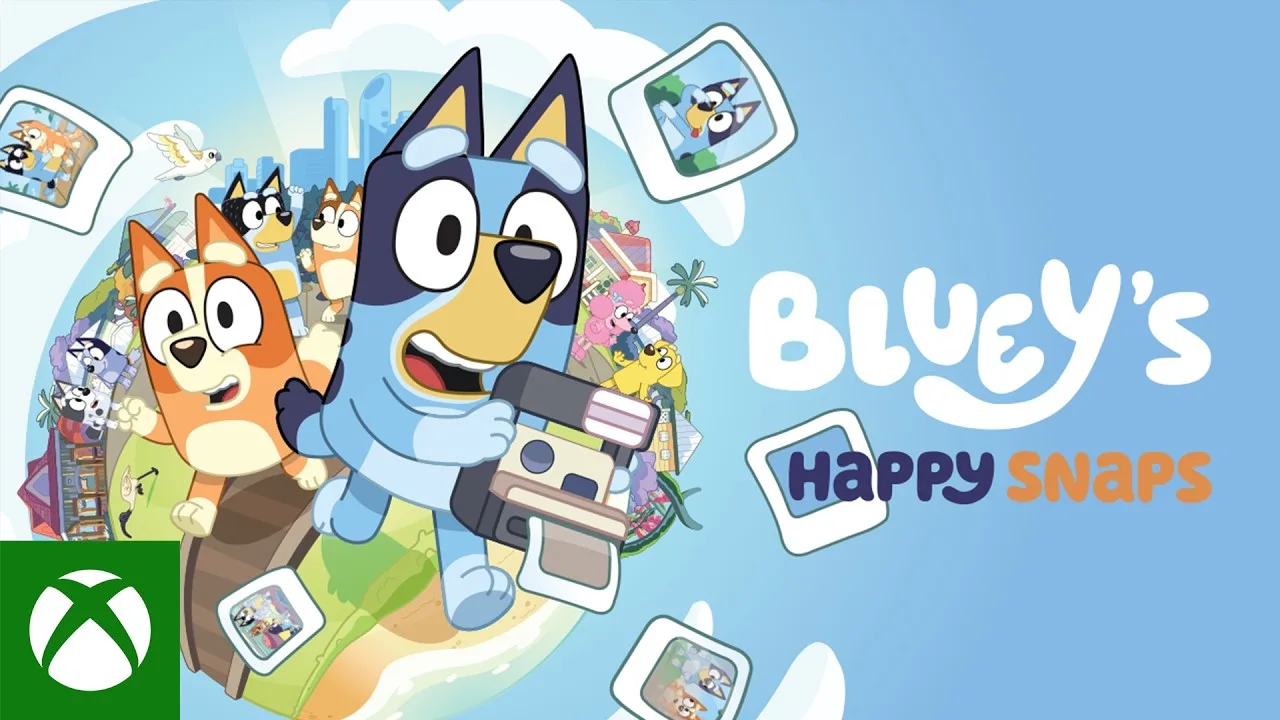
That distinction matters when planning a sibling session. Both players can participate, but the camera belongs to the main player. Discuss who wants to photograph and who wants to appear in the pictures before starting.
| Part of the adventure | Player one | Player two |
|---|---|---|
| Camera | Controls the camera | Can pose for photos |
| Exploration | Leads the adventure | Joins in exploring |
| Toys | Can play with toys | Can play with toys |
| Connection | Plays locally | Joins locally |
Choose roles around what each person wants to do. Take the camera role if you want to frame pictures and lead the outing. Choose the second-player role if you want to roam, pose, and interact with toys.
Plan a picture together. Ask the posing player to find a spot they like, then frame the scene from behind the camera. It turns photography into a shared activity with a clear contribution from each person.
Use toys as part of the session. Both players have more to do than stand still for snapshots, and the adventure includes toys intended for shared play.
The same arrangement gives a grown-up and child a way to participate together. A parent can handle the camera while a child explores, or the child can take pictures while the grown-up joins the scene. Pick the arrangement that fits what you want from that session.
There is no online play, so this is an adventure to share in the same room. The two-player feature centers on Bluey and Bingo experiencing the world together, with the camera and playful interactions linking their roles.
Solo play remains part of the experience. If one person wants to explore and work on scrapbooks alone, the game supports that as well.
Scrapbooks, Dress-Ups, and Edition Extras
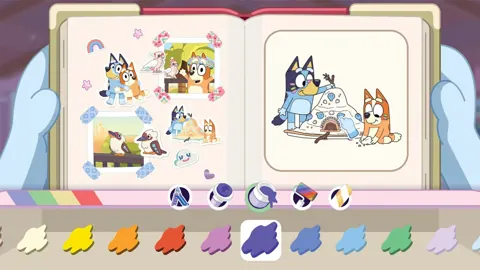
The scrapbook is where the day’s discoveries become something personal. Photos can sit alongside stickers, decorations, and coloring pages, with options including stamps and washi tape. You can arrange snapshots and decorate pages to give each collection its own look.
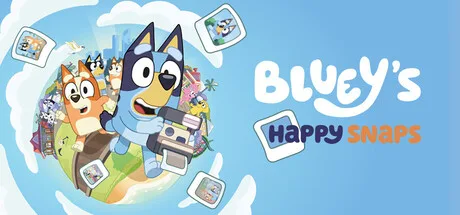 Image: Steam / Gameloft
Bluey's Happy Snaps PS4 also includes dress-ups for Bluey and Bingo that unlock as you play. Those outfits add another element to character photos, alongside the places and activities you choose to capture.
Give a scrapbook page a theme. Group wildlife pictures together, build a page around friends, or collect moments from one destination. Use the available stickers and decorations to connect the pictures visually.
Try the coloring pages between outings. They offer another creative activity within the scrapbooks and give you something to customize beyond photo placement.
Edition extras expand that collection of content. The Deluxe Edition adds Grannies-themed material, extra dress-up items, and a digital art book with artwork and a look behind the adventure’s creation.
| Edition or package | Included content |
|---|---|
| Standard Edition | Base game |
| Deluxe Edition | Base game, “Here Come the Grannies” content, extra dress-up items, and digital art book |
| Activity Book Edition | Deluxe Edition, a 44-page activity book, and two extra sticker sheets |
Check the platform before choosing an edition or package. The Activity Book Edition includes physical materials, while the PS4 release is digital. Keep the physical book separate from the coloring pages and scrapbook activities inside the game.
Launch promotions also deserve a careful read. A limited-time Steam offer gives players the Deluxe Edition for the Standard Edition price. That offer applies to Steam; check the PlayStation purchase details when choosing Bluey's Happy Snaps PS4.
The game has no in-game purchases. Edition selection happens around your purchase, while the adventure itself includes photography, scrapbook customization, and unlockable dress-ups without an in-game spending system.
Family Features and Play Beyond the Screen
Bluey's Happy Snaps PS4 carries an E for Everyone rating and is designed around exploration, creativity, and play. Its offline adventure includes solo and local shared play, with no online multiplayer.
Language support is useful to check before a family session. U.S. English text is included from release day, and full English voiceover is available at launch. PlayStation launch voiceover options also include Latin American Spanish, French, and Brazilian Portuguese.
Download the digital game before setting aside time to play. An internet connection is also needed to download updates, including additional language updates.
The “Play for Real Life” feature carries ideas from the adventure into activities away from the screen. These moments include tips for grown-ups and suggestions built around everyday objects and surroundings.
Examples include:
- Building a cushion fort.
- Making something new from cardboard boxes.
- Creating bubble wands.
- Looking for birds in your backyard.
- Racing barky boats in a bath or bucket of water.
Choose an activity connected to something your child enjoyed in the game. Follow a wildlife outing with backyard birdwatching, or turn an interest in building into a cardboard creation. The connection gives the next activity a familiar starting point.
Let the scrapbook start a conversation. Ask which picture your child likes, which place they recognize, or what they want to photograph next. Their chosen photos give you something specific to talk about.
Keep the focus on the activities your family wants to share. One session can center on exploring a destination; another can revolve around posing for pictures or decorating pages. The camera, toys, and scrapbook provide different ways to spend time in Bluey’s world.
FAQ
Is Bluey's Happy Snaps PS4 available now?
Yes. Bluey's Happy Snaps PS4 launched digitally on October 15, 2026. You can play the adventure on PlayStation 4 without purchasing a PS5.
Can you buy Bluey's Happy Snaps on a PS4 disc?
The PS4 release is digital. Physical console editions include PS5, Xbox One, Xbox Series X|S, Nintendo Switch, and Nintendo Switch 2 in select markets. Choose the PS4 digital version when buying for a PlayStation 4.
Can two people play together on PS4?
Yes. A second player can join locally to explore, pose, and play with toys. Player one controls the camera and leads the adventure. The game has no online play.
Does Bluey's Happy Snaps have in-game purchases?
No. Bluey's Happy Snaps has no in-game purchases. The Deluxe Edition includes additional Grannies content, extra dress-ups, and a digital art book, so check the edition’s included content before purchasing.
Continue with
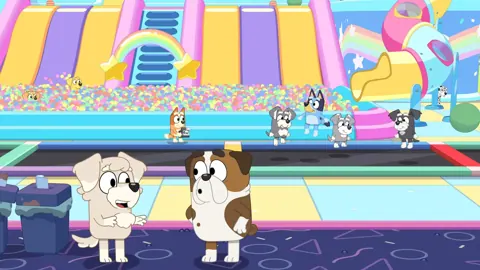 Bluey's Happy Snaps PS5: Price, Co-Op & Buying GuideBluey's Happy Snaps PS5 is out now. Compare editions, check prices, explore local co-op, and get practical tips for photos, scrapbooks, and family play.
More in Platforms
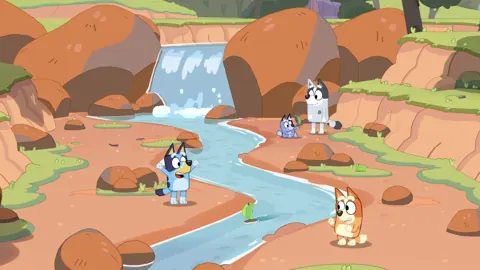
Bluey's Happy Snaps Download: PC and Console Guide
Find your Bluey's Happy Snaps download on PC, PlayStation, Xbox, and Nintendo Switch. Compare editions, check PC specs, and get ready for family photo fun.
Bluey's Happy Snaps Nintendo Switch 2: Buyer's Guide
Explore Bluey's Happy Snaps Nintendo Switch 2 features, price, local co-op, mouse controls, and editions. Find out what to know before your family plays.
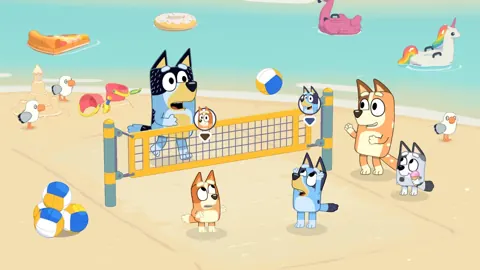
Bluey's Happy Snaps Nintendo Switch: A Family Guide
Explore Bluey's Happy Snaps Nintendo Switch with details on local co-op, Switch 2 features, editions, storage, and scrapbook tips for your family game.
Bluey's Happy Snaps Platforms and Wishlist: Full Guide
Bluey's Happy Snaps platforms and wishlist guide: compare consoles and PC, explore editions, check Game Pass access, and choose where to buy or save it.
Join the community
Official channels for news, updates and player help: