Bluey's Happy Snaps PS5: Price, Co-Op & Buying Guide
Bluey's Happy Snaps PS5 is out now. Compare editions, check prices, explore local co-op, and get practical tips for photos, scrapbooks, and family play.
Jump to

Is Bluey's Happy Snaps Available on PS5?
Bluey's Happy Snaps PS5 puts Dad's old camera in your hands for an adventure through the Heeler family's home and favorite places. It launched on October 15, 2026, with offline play and support for two local players, giving families a way to explore together. Before buying Bluey's Happy Snaps PS5, compare the editions and understand how the camera and second-player roles work.
The adventure follows Bluey and Bingo as they discover photo opportunities, play games, meet friends, and collect decorations for their scrapbooks. Familiar faces include Muffin, Chloe, Winton, and Lucky, while destinations stretch from the family home to recognizable spots around Brisbane.
Here are the main PlayStation details at a glance:
| Feature | PS5 details |
|---|---|
| Release date | October 15, 2026 |
| Standard digital price | $39.99 in the United States |
| Deluxe digital price | $54.99 in the United States |
| Players | 1–2 locally |
| Connectivity | Offline play enabled; no online play |
| In-game purchases | None |
| U.S. age rating | ESRB Everyone, with no descriptors |
| Purchase formats | Digital and physical, with retail availability depending on market |
The digital editions carry both PS4 and PS5 platform labels. A physical PS5 edition also launched in select markets. Physical editions in Japan, Southeast Asia, Hong Kong, and Taiwan are scheduled for November 26, 2026, following the October digital release.
Bluey's Happy Snaps PS5 Editions and Prices
The main buying decision is whether you want the base adventure or the extra Grannies content, outfits, and digital artwork included with Deluxe. Both digital editions contain the core game.
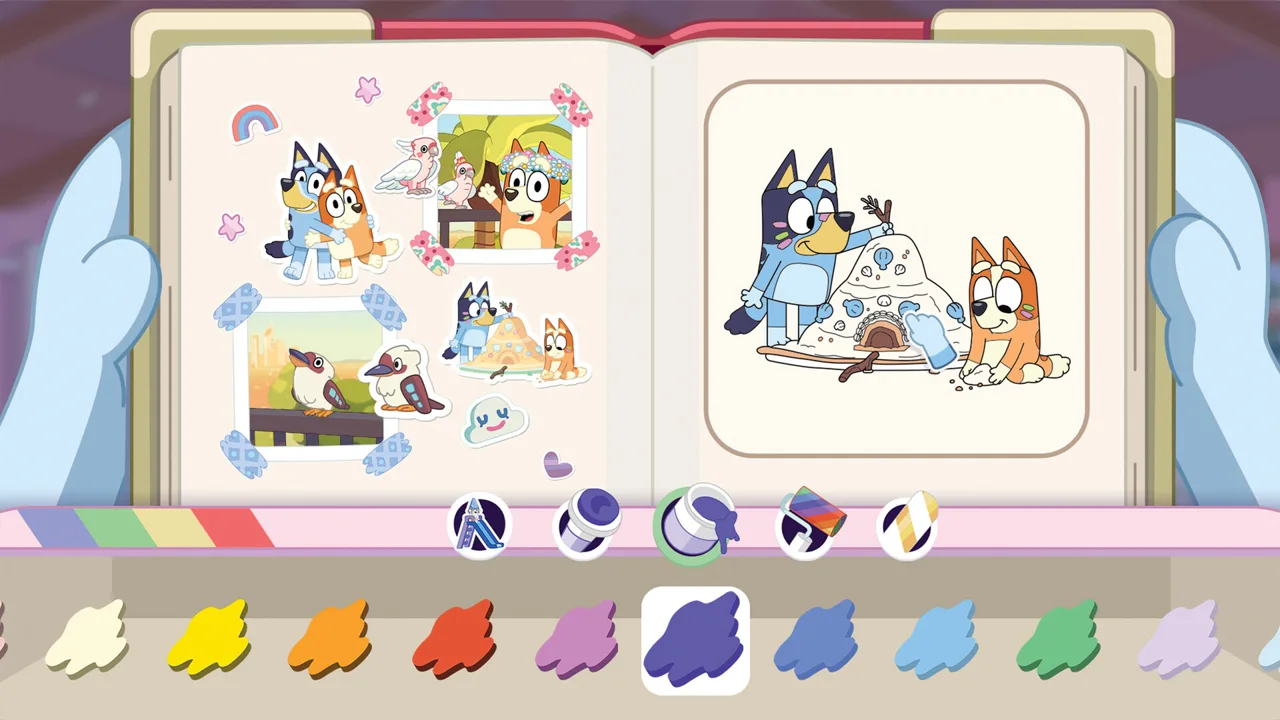 Image: Steam / Gameloft
U.S. digital prices are:
| Edition | Price | Included content |
|---|---|---|
| Standard | $39.99 | Base game |
| Deluxe | $54.99 | Base game, “Here Come the Grannies” bonus content, extra dress-up items, and a digital art album |
Its extras center on additional character fun and artwork: Janet and Rita return in the Grannies content, Bluey and Bingo get more outfits, and the art album offers a look at the game's visual development.
Choose Standard if you want the main photography, exploration, and scrapbook activities. Choose Deluxe if the named extras are part of what you want to play or collect. Keep the contents beside the price when making that decision, especially if you're shopping for someone who specifically wants the Grannies.
You can buy Bluey's Happy Snaps for PlayStation and select an edition before checkout.
There is also an Activity Book Edition that includes Deluxe, a 44-page activity book, and two additional sticker sheets. The book combines drawing pages with simple activities for children. Check the package contents when shopping for that edition so you know which physical extras accompany the game.
For Bluey's Happy Snaps PS5, keep the digital upgrade decision separate from the game's in-game rewards. The adventure already includes unlockable costumes, stickers, and scrapbook decorations. Deluxe adds its specified extras, while the game itself has no in-game purchases.
What You Do: Take Photos, Play, and Build Scrapbooks
The camera connects the adventure's activities. Bluey and Bingo find Bandit's old camera, take it around their hometown, and use it to capture friends, wildlife, games, and unexpected moments.
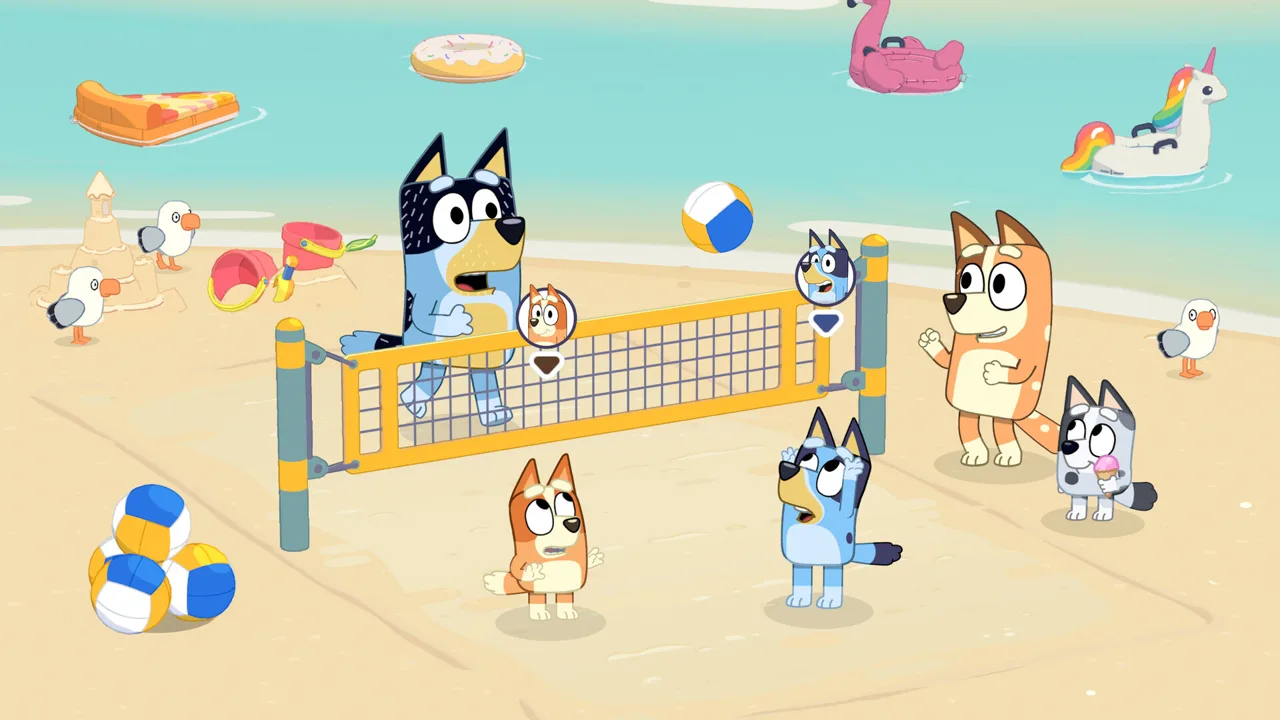 Image: Steam / Gameloft
Photos become part of the scrapbook experience. Taking pictures unlocks stickers inspired by what you encounter, and you can arrange your collection alongside snapshots and other decorations. Costumes for Bluey and Bingo also become available along the way.
The places you visit give those photos their personality:
| Location | What you'll find there |
|---|---|
| Bluey's house | Rooms to explore, toys, surprises, and scrapbooks connected to outings |
| South Bank | Sandcastles, ice cream, wildlife, and scenery familiar from “Ice Cream” |
| The Lookout | The view featured in “The Sign” |
| Hammerbarn | A visit to the familiar store |
| The Park | A destination associated with “Spy Game” |
Give Each Photo a Purpose
Look for a mix of subjects as you explore. Photograph a friend, then turn your attention to wildlife or a game happening nearby. That variety gives you different moments to work into your scrapbook.
Use the camera during play, too. The adventure includes familiar games such as Shadowlands and Magic Potion, along with toys scattered around its locations. Photography sits alongside those activities, so leave room for both exploring and taking pictures.
In Bluey's Happy Snaps PS5, the scrapbook is also a creative activity in its own right. Each destination has a scrapbook to fill, and you have a separate scrapbook to customize your own way.
| Scrapbook element | What you can do |
|---|---|
| Snapshots | Add photos from the adventure |
| Stickers | Collect designs tied to characters, wildlife, and games |
| Decorations | Personalize pages with items including stamps and washi tape |
| Coloring pages | Color pages within the scrapbooks |
| Layouts | Arrange photos and decorations to create your own pages |
Try building a page around a theme: friends, animals, toys, or a particular outing. Group related snapshots together, then use stickers and coloring to connect them. This gives you a concrete creative goal without needing to turn every visit into a checklist.
The game's Australian wildlife also provides subjects beyond its cast. Look for animals while roaming, including water dragons at South Bank. Leave space in your scrapbook for discoveries that catch your attention along the way.
How Local Co-Op Works on PS5
Bluey's Happy Snaps PS5 supports two people playing side by side. Player one controls the camera and leads the adventure, while player two can explore, pose for pictures, and play with toys.
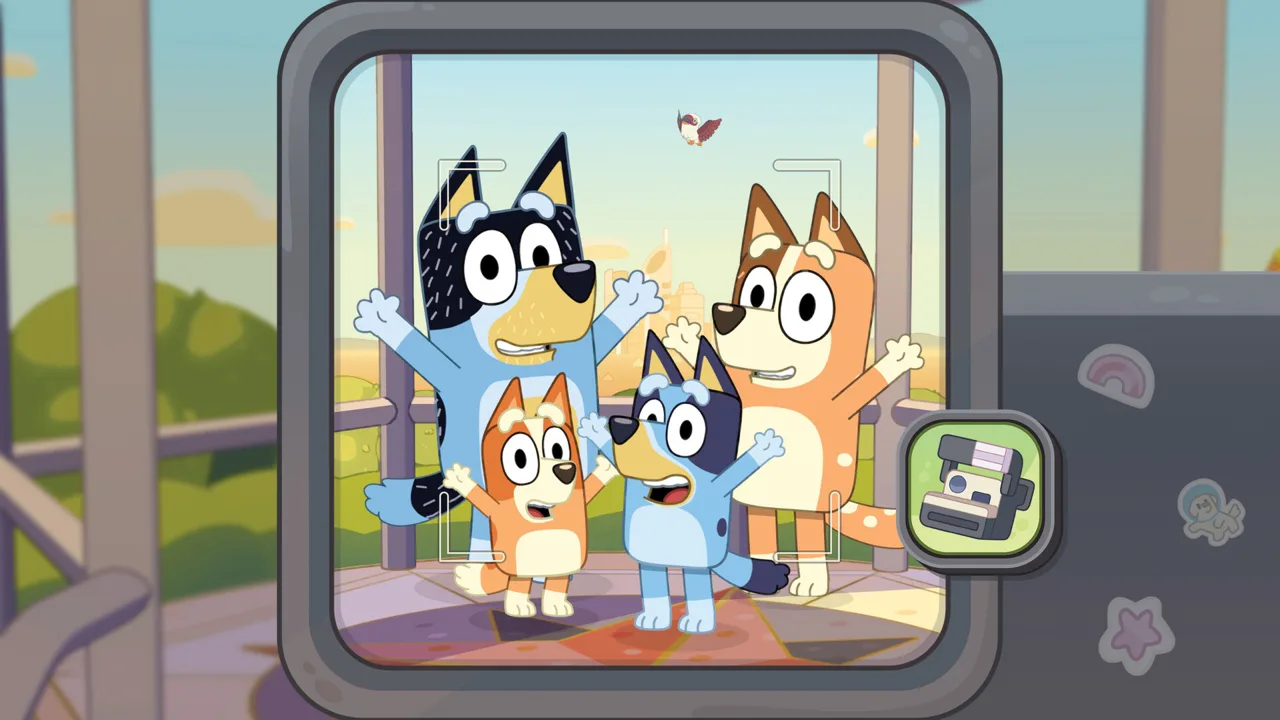 Image: Steam / Gameloft
Those roles shape the shared experience. The photographer frames the action, while the second player has opportunities to become part of it. Toys also provide activities the pair can enjoy together.
Before starting, decide who wants to handle photography. Put the person interested in composing pictures behind the camera, and let the other person focus on exploring and posing. For a parent and child, talk through those choices together so each person knows what their role involves.
Make the Camera Part of Playing Together
Ask the second player to choose a pose or a toy before taking a picture. Then frame the moment around what they're doing. It gives both players something to contribute to the same snapshot.
Try these ideas during a shared outing:
- Pick a familiar character or animal to photograph.
- Let the second player choose a spot for a pose.
- Explore the toys in the area together.
- Choose favorite snapshots for a themed scrapbook page.
- Use the coloring pages to continue creating after an outing.
There is no online play, so multiplayer happens locally. Plan around sharing the adventure in the same room.
Offline play is enabled, though downloading the digital game or updates requires an internet connection. Get those downloads ready before a planned family session so you can begin with the adventure itself.
Practical Tips for Your First Family Session
Start Bluey's Happy Snaps PS5 with a simple goal: explore the house, experiment with the camera, and make a scrapbook page you enjoy. That uses the game's main activities without requiring a completion target.
Explore the House Alongside the Camera
The adventure begins at Bluey's home, where rooms contain toys, surprises, and scrapbooks that connect to other places. Spend time interacting with those spaces while learning what you enjoy photographing.
Look around the girls' room, try the toys you encounter, and capture moments that stand out. Follow your curiosity between activities rather than rushing past something you want to play with.
Mix Collecting With Creating
Alternate between taking photos and decorating pages. After gathering pictures from an outing, use them to build a page around that location or the characters you met.
Try placing a favorite snapshot first, then arranging stickers around it. Use the coloring pages when you want a different activity. The scrapbook gives your collected pictures somewhere to become a personal creation.
Check the Family's Language Preferences
The game supports text in American English, Australian English, French, Italian, German, Japanese, Brazilian Portuguese, Castilian Spanish, Latin American Spanish, Simplified Chinese, and Traditional Chinese.
At launch, PlayStation voice options include English, Latin American Spanish, French, and Brazilian Portuguese. Additional localized voiceovers are scheduled through a free update, with an internet connection required to download it.
Choose text and voice options with the people playing in mind, particularly when a younger child relies on spoken dialogue.
Take a “Play for Real Life” Idea Offscreen
The adventure includes activity ideas and tips for grown-ups that connect its games to everyday play. Examples include cushion forts, cardboard creations, bubble wands, and barky boat races.
Pick an idea together when you're ready for a break. Gather the everyday materials it uses and carry the activity into your own surroundings. You can also follow the game's wildlife theme with backyard birdwatching.
Keep the choice connected to something your child enjoyed during the session. A favorite in-game activity can give you a starting point for what to make or play next.
FAQ
When did Bluey's Happy Snaps PS5 come out?
Bluey's Happy Snaps launched digitally on PS5 on October 15, 2026. Physical PS5 copies also launched in select markets that day. Physical editions in Japan, Southeast Asia, Hong Kong, and Taiwan are scheduled for November 26, 2026.
How much does the PS5 version cost?
The U.S. digital Standard Edition costs $39.99 and Deluxe costs $54.99. Deluxe includes “Here Come the Grannies,” extra dress-up items, and a digital art album alongside the base game.
Can two people play together on PS5?
Yes. Two players can play locally. Player one controls the camera and leads the adventure, while player two explores, poses, and plays with toys. The game has no online multiplayer.
Does the game have in-game purchases?
No. Bluey's Happy Snaps has no in-game purchases. You can unlock stickers, scrapbook decorations, and costumes through play, while the Deluxe purchase includes its separately specified bonus content.
Continue with
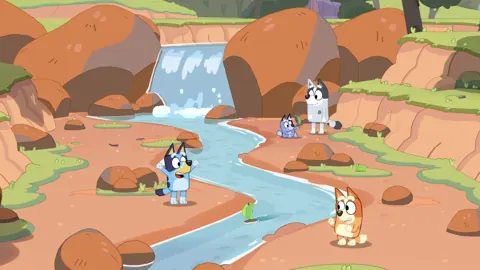 Bluey's Happy Snaps Steam Deck: Settings and ControlsBluey's Happy Snaps Steam Deck guide: explore Verified compatibility, default settings, built-in controls, local co-op limits, and scrapbook activities.
More in Platforms
Bluey's Happy Snaps Download: PC and Console Guide
Find your Bluey's Happy Snaps download on PC, PlayStation, Xbox, and Nintendo Switch. Compare editions, check PC specs, and get ready for family photo fun.
Bluey's Happy Snaps Nintendo Switch 2: Buyer's Guide
Explore Bluey's Happy Snaps Nintendo Switch 2 features, price, local co-op, mouse controls, and editions. Find out what to know before your family plays.
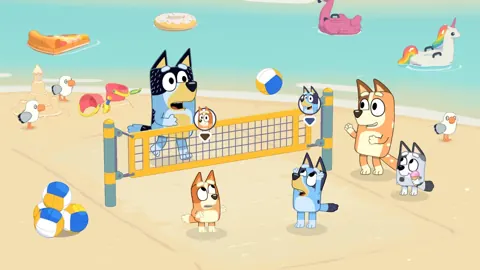
Bluey's Happy Snaps Nintendo Switch: A Family Guide
Explore Bluey's Happy Snaps Nintendo Switch with details on local co-op, Switch 2 features, editions, storage, and scrapbook tips for your family game.
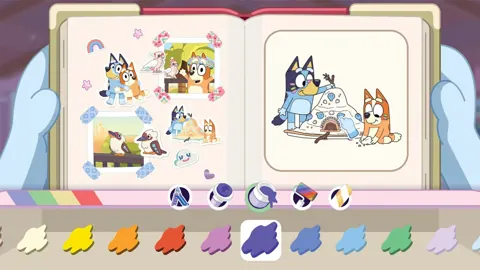
Bluey's Happy Snaps Platforms and Wishlist: Full Guide
Bluey's Happy Snaps platforms and wishlist guide: compare consoles and PC, explore editions, check Game Pass access, and choose where to buy or save it.
Join the community
Official channels for news, updates and player help: