
Coming soon · Release date: October 15, 2026 · Info based on official announcements Official store ↗
UpdatedBluey's Happy Snaps system requirements: PC Specs Explained
Check Bluey's Happy Snaps system requirements, compare minimum and recommended PC specs, and review Steam Deck support and console storage before launch.
Jump to

Bluey's Happy Snaps system requirements at a glance
Before you hand over Dad’s camera to Bluey and Bingo, check whether your computer is ready for their adventure. Bluey's Happy Snaps system requirements matter because the game’s colorful, family-friendly presentation still comes with specific processor, graphics, and Windows requirements. This guide breaks down Bluey's Happy Snaps system requirements so you can compare your hardware, plan storage, and understand the options for playing together.
The game is scheduled to launch on October 15, 2026. As of October 9, these are its published PC requirements; they are not results from post-launch performance testing.
| Component | Minimum requirements | Recommended requirements |
|---|---|---|
| Processor architecture | 64-bit processor and operating system | 64-bit processor and operating system |
| Operating system | Windows 11, or a valid compatibility layer | Windows 11, or a valid compatibility layer |
| Processor | AMD Ryzen 5 5500 / Intel Core i3-12100F | AMD Ryzen 5 3600X / Intel Core i5-10400 |
| Memory | 8 GB RAM | 16 GB RAM |
| Graphics | AMD Radeon RX 6400 / Nvidia GeForce GTX 1650 | AMD Radeon RX 5700 XT / Nvidia GeForce RTX 2060 Super |
| DirectX | Version 11 | Version 12 |
| Network | Broadband internet connection | Broadband internet connection |
| Storage | 5 GB available space | 5 GB available space |
The useful distinction is that recommended specifications raise the memory and graphics requirements, while storage stays the same. Both configurations list Windows 11 and broadband internet.
There are no published resolution, frame-rate, or graphics-preset targets in this specification list. Meeting the recommended requirements therefore does not establish a particular performance result. Treat these specifications as a compatibility checklist when deciding whether your existing computer is suitable.
Minimum vs. recommended: comparing your PC
Start with the exact names of your processor and graphics hardware. A computer described as a “gaming laptop” or “family desktop” can contain very different components, and those broad labels do not answer whether it matches the listed specifications.
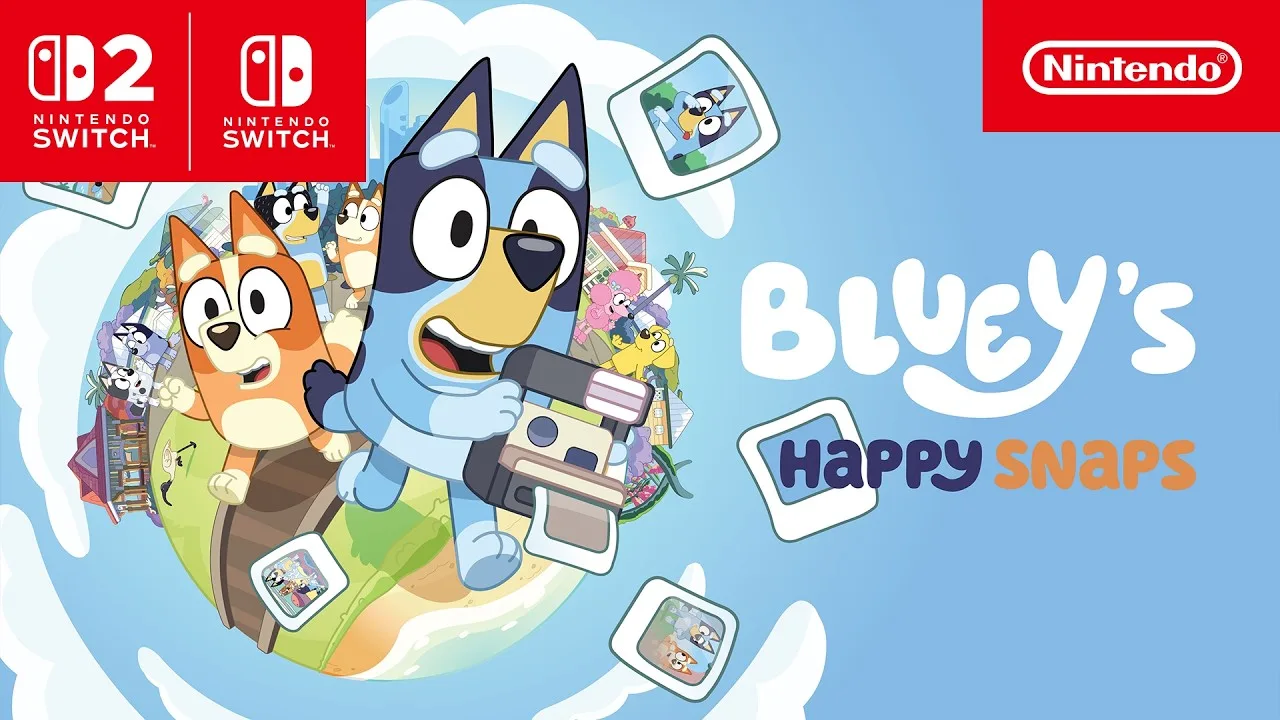 Image: YouTube / NintendoAU
A practical approach is to check your device’s hardware information and compare each component separately. Record the CPU model, GPU model, installed RAM, operating system, and available storage before making a purchase decision.
What the minimum specifications tell you
The minimum Bluey's Happy Snaps system requirements list 8 GB RAM alongside an AMD Radeon RX 6400 or Nvidia GeForce GTX 1650. The processor examples are the AMD Ryzen 5 5500 and Intel Core i3-12100F.
These are named hardware references, not a promise that any computer with 8 GB RAM will run the game satisfactorily. Memory is only one part of the checklist. A machine can meet the RAM requirement while having graphics hardware that is not covered by the listed examples.
If your laptop relies on integrated graphics, the requirements do not provide a supported integrated GPU example. Avoid assuming compatibility simply because the game features cartoon characters. A good approach is to seek model-specific compatibility information before buying it for that device.
What changes at the recommended level
The recommended configuration calls for 16 GB RAM, twice the minimum memory amount. It also lists an AMD Radeon RX 5700 XT or Nvidia GeForce RTX 2060 Super, plus DirectX 12.
The processor examples change to the AMD Ryzen 5 3600X and Intel Core i5-10400. Compare the actual models rather than treating “Ryzen 5,” “Core i3,” or “Core i5” as complete performance descriptions.
| Comparison point | What the published specifications establish |
|---|---|
| Memory | Recommended RAM increases from 8 GB to 16 GB |
| Graphics | Each tier names different AMD and Nvidia GPU models |
| Processor | Each tier provides specific AMD and Intel CPU examples |
| DirectX | Minimum lists version 11; recommended lists version 12 |
| Storage | Both tiers require 5 GB available space |
| Performance targets | No resolution, frame rate, or preset is specified |
For a computer that falls between the two tiers, the listing alone cannot predict the ideal settings. As prelaunch buying advice, avoid purchasing an upgrade based on an assumed frame-rate target. Wait for reliable performance information if a hardware purchase depends on a specific result.
Windows, Steam Deck, and controller compatibility
Bluey's Happy Snaps system requirements name Windows 11, followed by “or valid compatibility layer.” That wording deserves attention if you plan to play somewhere other than a conventional Windows desktop.
 Image: YouTube / XBOX
It does not identify every supported operating system or compatibility configuration. In particular, it should not be read as a blanket guarantee for any Mac or Linux computer.
Steam Deck has a clearer device-specific indication: the Steam listing marks the game Verified. That is useful when choosing a handheld option, but the listing does not provide battery-life figures or measured frame rates.
| Setup or feature | Listed status | What to keep in mind |
|---|---|---|
| Windows PC | Windows 11 is named | Check the remaining hardware requirements too |
| Compatibility layer | Allowed in the OS wording | No universal configuration guide is provided |
| Steam Deck | Verified | No performance or battery-life figures are listed |
| Controller on PC | Recommended by the developers | The page identifies Xbox controllers |
| Online multiplayer | No online play | Shared play is described as side-by-side |
| Internet connection | Broadband listed in both PC tiers | No detailed offline-operation explanation is provided |
Is a controller required?
The developers recommend playing with a controller. That is a recommendation, rather than an explicit controller-only requirement in the provided listing.
If you already have an Xbox controller, it is the controller type identified on the Steam page. For a family planning shared play, a good approach is to review the supported input arrangement before buying additional accessories. The descriptions explain the players’ roles but do not detail every controller combination.
Why is broadband listed without online play?
The PC requirements include broadband internet, while the game description explicitly says there is no online play. These statements address different things: a network requirement does not establish online multiplayer.
The listing does not explain exactly when the connection is needed. Plan for internet access when obtaining and setting up the PC version, and avoid treating the absence of online multiplayer as a guarantee that every feature works without a connection.
Storage requirements on PC and Nintendo Switch
Storage is one of the simpler parts of Bluey's Happy Snaps system requirements. The PC version lists 5 GB of available space at both specification tiers.
 Image: Steam / Gameloft
Nintendo’s product page gives estimated file sizes of 3 GB for Nintendo Switch and 3.5 GB for Nintendo Switch 2. These are platform-specific figures, so use the number associated with the version you intend to purchase.
| Platform | Published storage figure | How the figure is described |
|---|---|---|
| PC | 5 GB | Available storage required |
| Nintendo Switch | 3 GB | Estimated game file size |
| Nintendo Switch 2 | 3.5 GB | Estimated game file size |
| PlayStation 5 | Not specified here | No storage figure is provided |
The Nintendo estimates are smaller than the PC storage requirement, but this comparison does not establish differences in content, visual quality, or performance. It also does not tell you how much room future updates might need.
A sensible preparation step is to check free space on the drive or console where you intend to install the game. Leave additional room if you can, without assuming a particular update size.
Choosing the correct console version
The publisher’s platform selector includes PS5, Nintendo Switch, and Nintendo Switch 2. Nintendo’s listing also identifies TV, tabletop, and handheld play modes.
Console buyers do not need to match the PC’s CPU or GPU specifications. Instead, check that you are selecting the version for your hardware and that enough storage is available.
Nintendo also states that a Nintendo Switch Online membership is required for Save Data Cloud backup. That requirement concerns the backup feature. It does not change the game’s description of having no online play.
Getting ready for launch and family play
Once you have checked Bluey's Happy Snaps system requirements, consider how your household wants to play. This is a photography adventure built around exploring familiar places, collecting snapshots, and decorating scrapbooks.
Bluey and Bingo use Dad’s old camera as they visit locations including their house, Hammerbarn, South Bank, and the lookout. Photos become part of the scrapbooks, while stickers, decorations, and coloring pages provide ways to personalize them.
Those activities explain the appeal, but they do not replace the hardware checklist. Choose a compatible setup first, then think about the screen and input arrangement that suit your planned play space.
Understanding the second player’s role
The game supports side-by-side participation, called Buddy mode on Nintendo’s page. The main player handles the camera, while the second player can explore, pose, and play with toys.
A good approach is to discuss those roles before starting, especially if both players expect to control the camera. The advertised setup gives them different activities within the same adventure.
| Feature | What you can expect |
|---|---|
| Camera play | The main player leads the photography |
| Second-player participation | A companion can explore, pose, and play with toys |
| Scrapbooks | Photos, stickers, decorations, and coloring activities |
| In-game purchases | None |
| Online play | None |
| Activities beyond the screen | Ideas for crafts, games, and other real-world play |
The game also includes suggestions for activities away from the screen, such as barky boat races and making bubble wands. Tips for grown-ups accompany these ideas. A useful approach is to choose an activity together after a play session, using the game’s guidance to continue the theme at home.
A practical prelaunch checklist
Before purchasing, work through the details that affect your setup:
- Compare your exact PC components with the published minimum and recommended tiers.
- Check Windows compatibility and available storage.
- Review controller support for your intended play arrangement.
- Choose the correct console edition if you are buying for Nintendo or PS5.
- Keep Steam Deck’s Verified status separate from unlisted performance expectations.
You can review the current purchase and compatibility details through the Bluey's Happy Snaps Steam store page.
As launch approaches, Bluey's Happy Snaps system requirements provide a concrete starting point. If your decision depends on an unlisted laptop GPU, an unspecified operating system, or a particular frame rate, wait for information that addresses that specific setup.
FAQ
What are the minimum Bluey's Happy Snaps system requirements?
The minimum PC requirements are a 64-bit processor and operating system, Windows 11 or a valid compatibility layer, an AMD Ryzen 5 5500 or Intel Core i3-12100F, 8 GB RAM, and an AMD Radeon RX 6400 or Nvidia GeForce GTX 1650. The listing also specifies DirectX 11, broadband internet, and 5 GB available storage.
Is Bluey's Happy Snaps Steam Deck Verified?
Yes. The Steam listing marks the game Steam Deck Verified. It does not publish a target frame rate, battery-life estimate, or detailed graphics settings, so those should not be assumed from the compatibility designation.
How much storage does Bluey's Happy Snaps need?
The PC requirements list 5 GB available space. Nintendo lists estimated file sizes of 3 GB on Nintendo Switch and 3.5 GB on Nintendo Switch 2. These figures do not specify future update sizes.
Does Bluey's Happy Snaps support online multiplayer?
No. The game is described as having no online play and no in-game purchases. It does support side-by-side participation, with the main player controlling the camera and a second player joining to explore, pose, and play with toys.
Continue with
 Bluey's Happy Snaps trailer and screenshots: What to KnowSee Bluey's Happy Snaps trailer and screenshots, explore photo gameplay and Buddy mode, and find out what to expect before the October 15, 2026 release.
More in Release

Bluey's Happy Snaps developer and publisher: Who Does What?
Meet Bluey's Happy Snaps developer and publisher, learn what Gameloft Brisbane handles, and explore release dates, platforms, editions, and family play.

Bluey's Happy Snaps FAQ: Release, Co-op, and Editions
Bluey's Happy Snaps FAQ covers the October 15 release, platforms, local co-op, editions, price, and PC requirements. Plan your family's photo adventure.
Bluey's Happy Snaps platforms and wishlist: Launch Guide
Bluey's Happy Snaps platforms and wishlist guide covers PC and consoles, Steam wishlist steps, editions, and the October 15 release. Get ready to play.

Bluey's Happy Snaps release date countdown: Launch Guide
Bluey's Happy Snaps release date countdown: Get ready for October 15, 2026, with platform details, editions, Buddy mode, and an easy launch-day checklist.
Join the community
Official channels for news, updates and player help: